 Roomfixer
See your home ready for the viewing
Clutter hides what a room can be. Roomfixer shows the same room tidy, styled or furnished – so you know what to aim for before the photographer arrives.
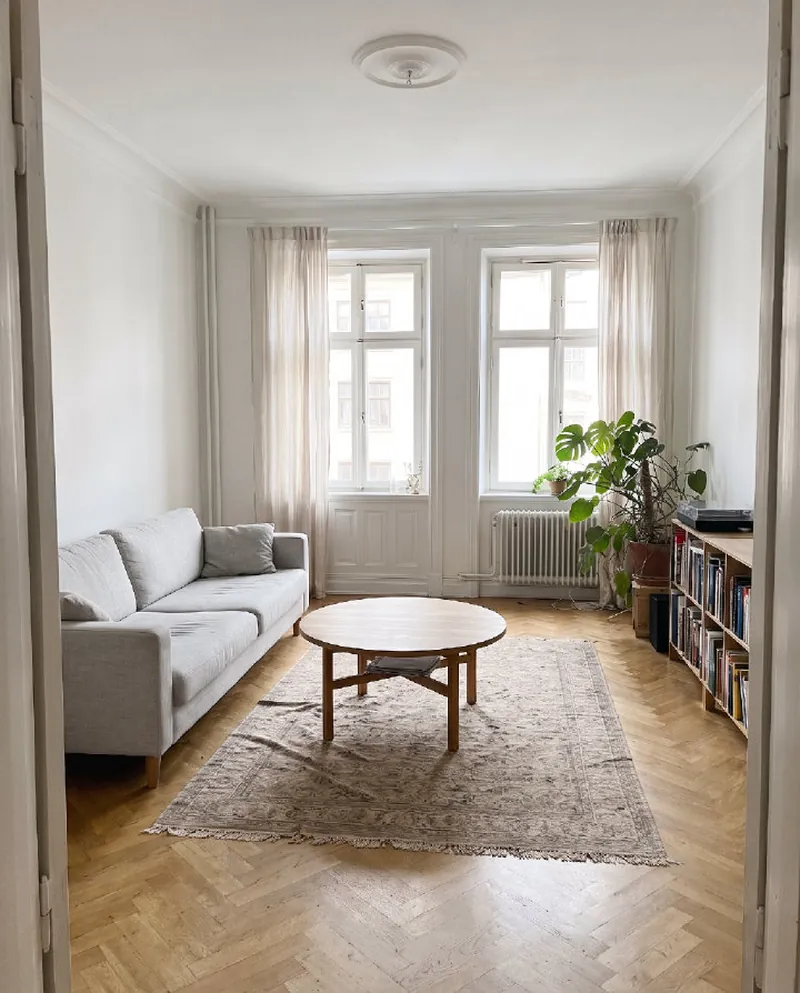
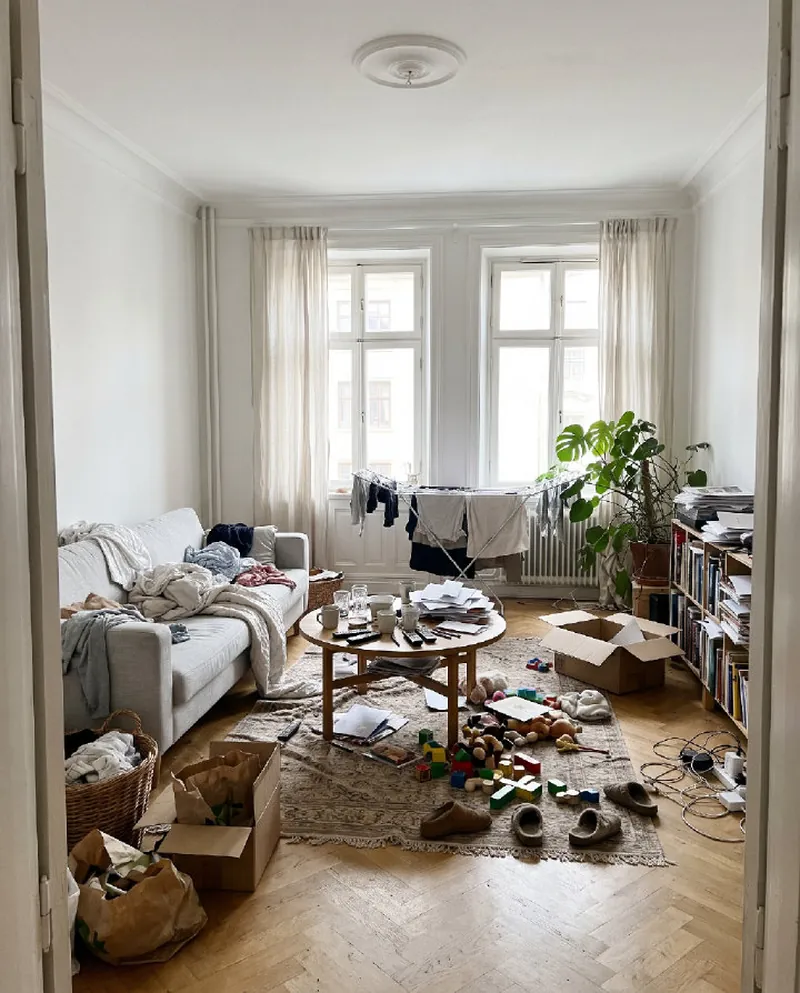
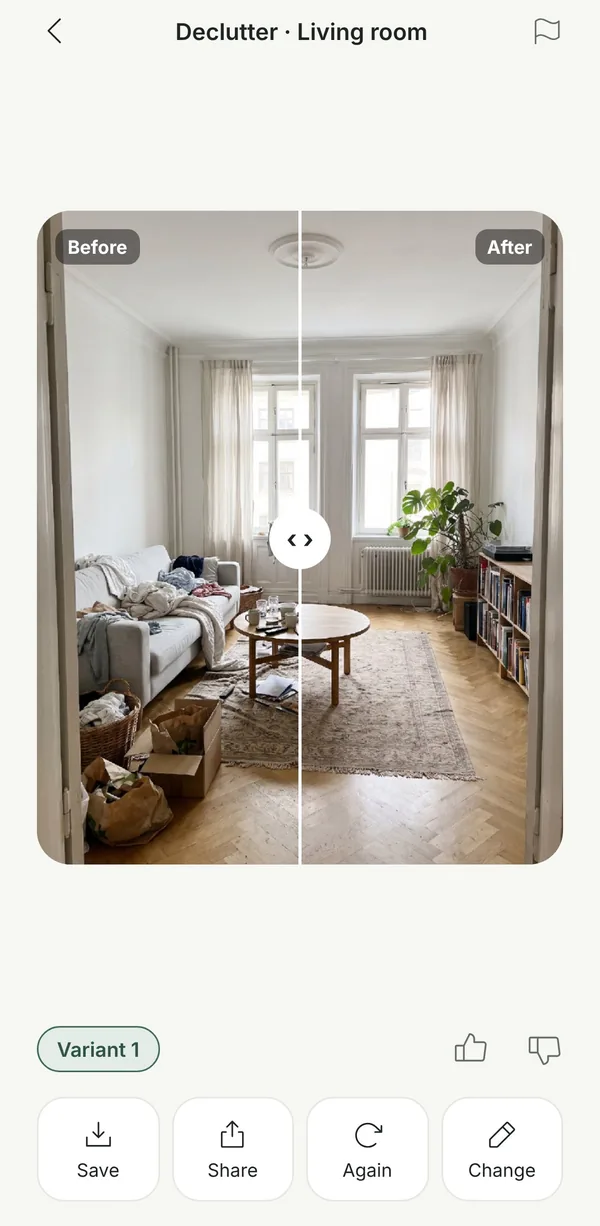
Declutter in a photo first
Laundry, boxes, cables, toys – everyday life fills a room. Choose Declutter and Roomfixer removes loose things from floors, surfaces and furniture, and shows what was behind them. The furniture, curtains, lamps and art stay.
It is a quick way to see what really needs to go before a viewing – and a good motivation to start.
Stage an empty room
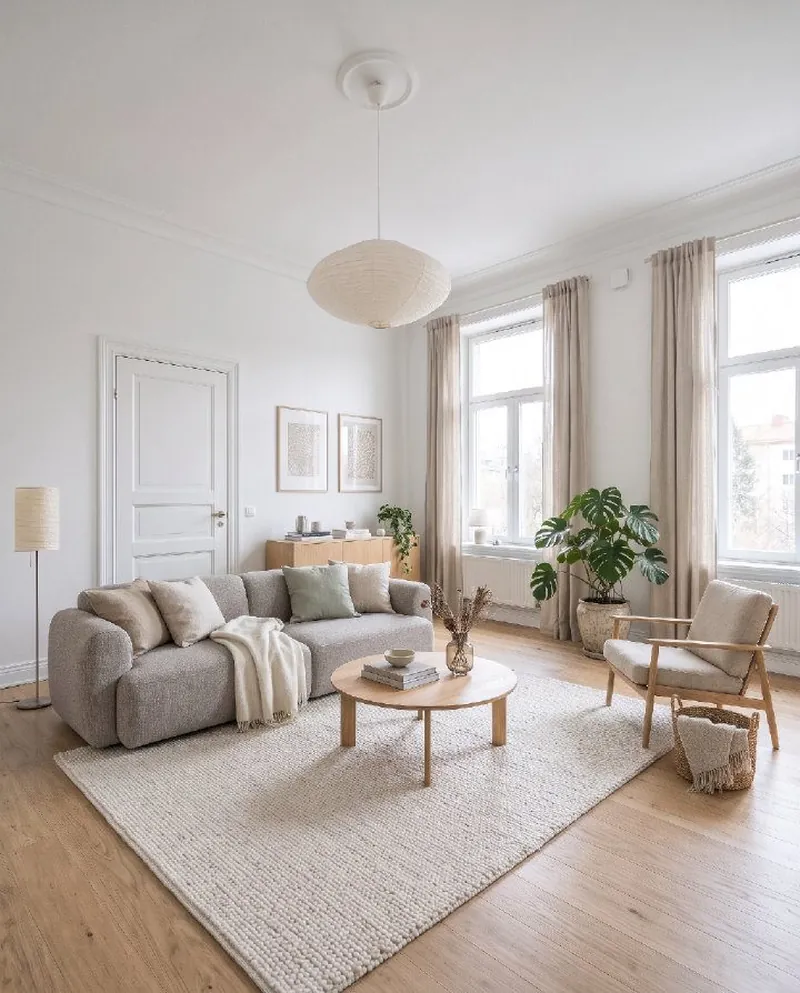
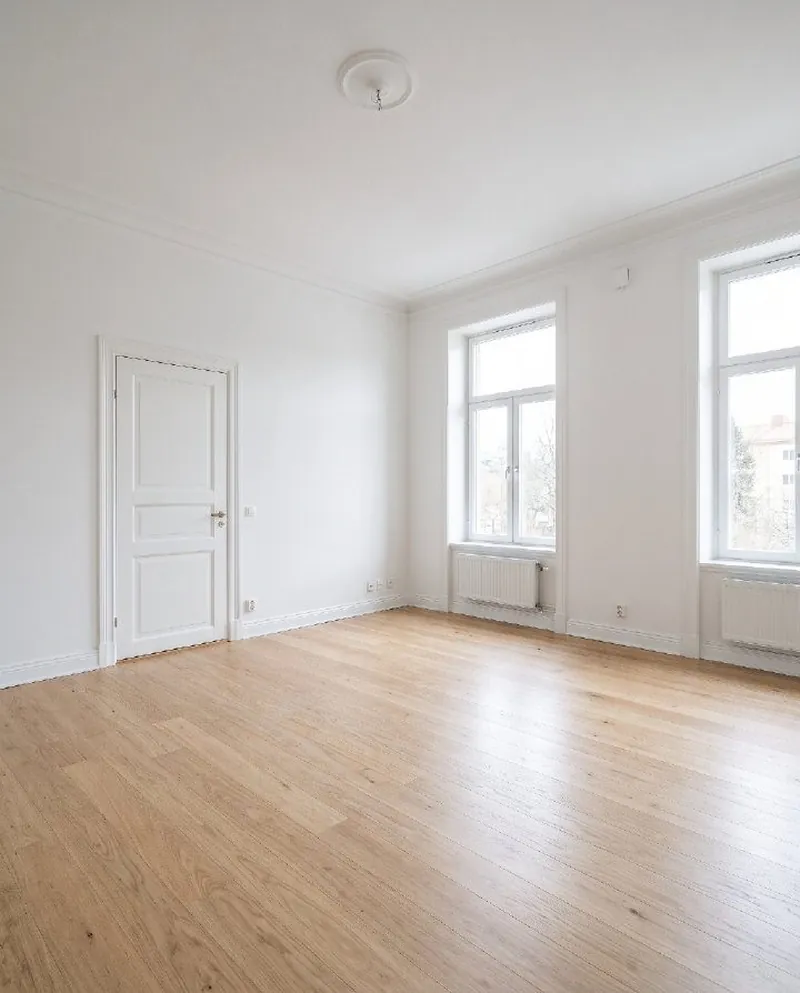
Empty rooms can feel smaller and colder than they are. With Furnish an empty room, Roomfixer shows the room furnished in a style that suits it, so you – and maybe your estate agent – can see its potential.
If you use edited pictures in a listing, always say clearly that they are digitally edited, and follow the rules where you live.
Tips before a viewing
- Clear surfaces and floors – less is more
- Let in as much daylight as possible
- Choose a calm, light palette for textiles
- Make every room’s purpose obvious
- Add plants and a few well chosen details
From photo to new room
No measuring, no floor plans. Your phone camera is enough.
Take a photo
Snap the room as it looks today, or pick a photo you already have. Empty, messy or fully furnished all work.
Choose what to do
A new style, design help, a new wall colour, a new floor, a piece of furniture to try, or a calmer room without the clutter.
See your room
Drag the slider to compare before and after, read the design tips, save your favourites and share them.
Questions and answers
Can I use the pictures when I sell my home?
Many people use Roomfixer to see a room decluttered or furnished before a viewing. If you use pictures in a property listing, say clearly that they are digitally edited, and follow the rules that apply where you live.
Can it furnish a completely empty room?
Yes. Choose Design and “Furnish an empty room”, pick a style, and Roomfixer furnishes the room with a layout that follows good interior design.
What kind of photo works best?
A sharp photo in daylight, taken from a doorway or corner so you see as much of the room as possible. Hold the phone straight at chest height. Empty, furnished and messy rooms all work.
Is the result exactly what my room will look like?
The pictures are made with AI and are meant as inspiration. Sizes, colours and details can differ from real life, so check measurements and samples before you buy or build.
Is Roomfixer free?
You can try Roomfixer for free. To create more designs and use every feature, including trying your own furniture, you can subscribe to Roomfixer Plus weekly or yearly in the app. Prices are shown in the app before you buy.
What happens to my photos?
Your photos are used to create your designs and are stored so you can see them in the app. You can delete a room or your whole account in the app, and the photos go with it. Read more in our privacy policy.
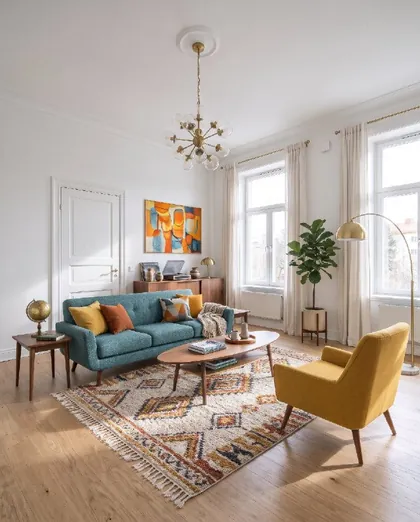
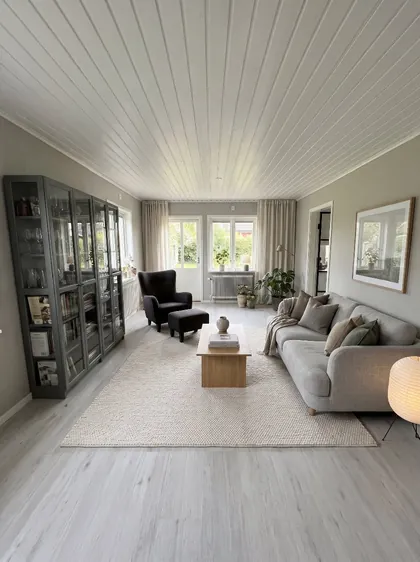
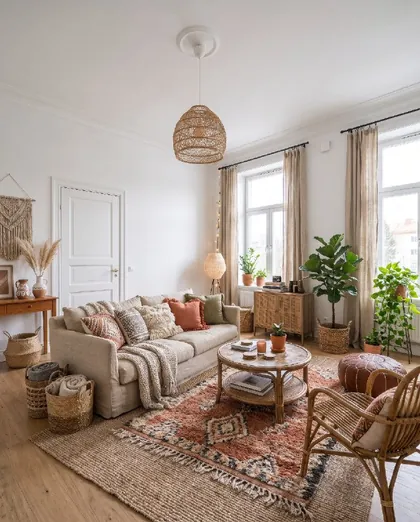
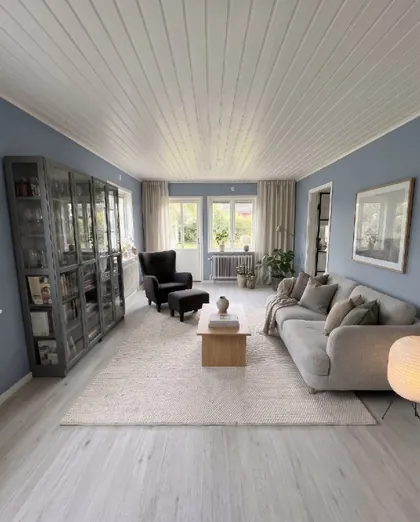
Your room is waiting for its new look
Download Roomfixer for iPhone, take a photo and see what your room can become. Free to try.
Download on theApp Store