 Roomfixer
An AI interior designer that works with the room you have
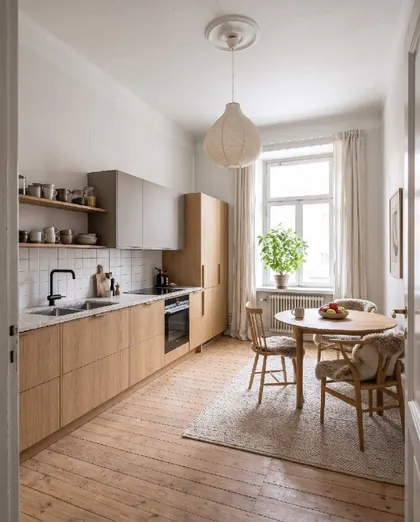
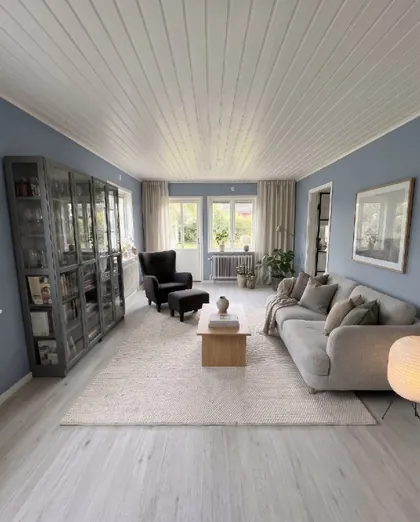
Most design apps show you other people’s homes. Roomfixer shows you yours – redesigned in the style you choose, with the same walls, windows and light.
Start with a photo, not a floor plan
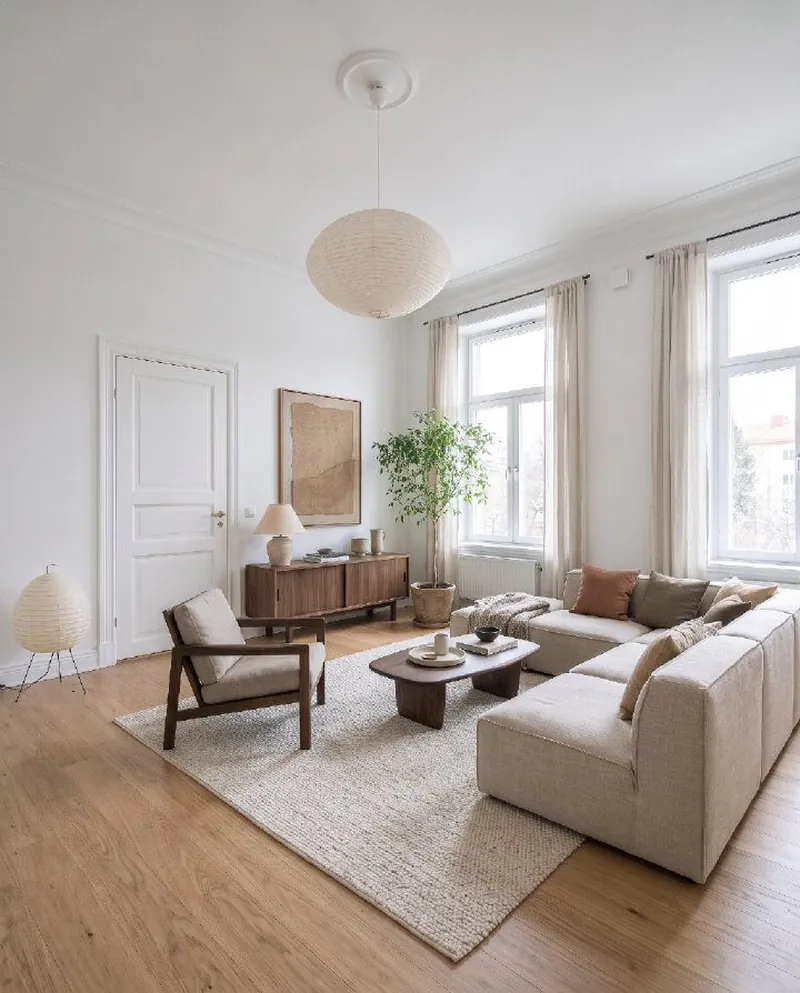
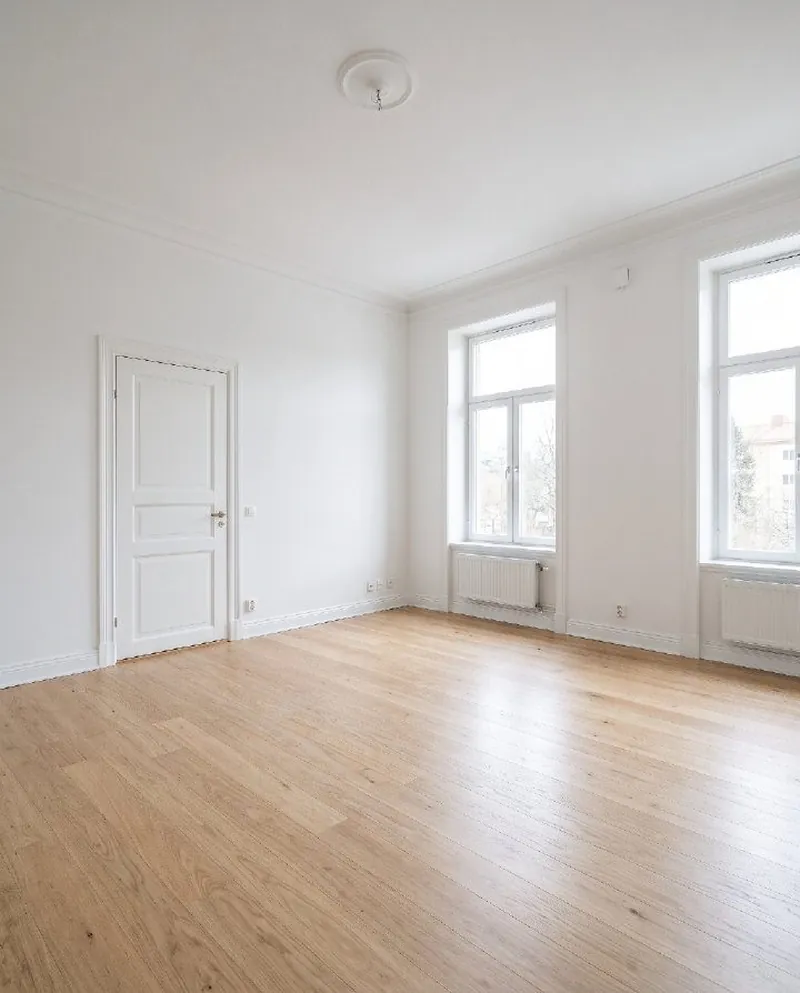
Interior design usually starts with measuring, sketching and imagining. Roomfixer starts with what you already have: a photo of your room. From that photo it creates a realistic picture of the same room in a new style, so you can judge the result with your own eyes.
Because the room stays the same – the walls, windows, doors and ceiling – the picture answers the question you actually have: what would it look like here?
You decide how much should change
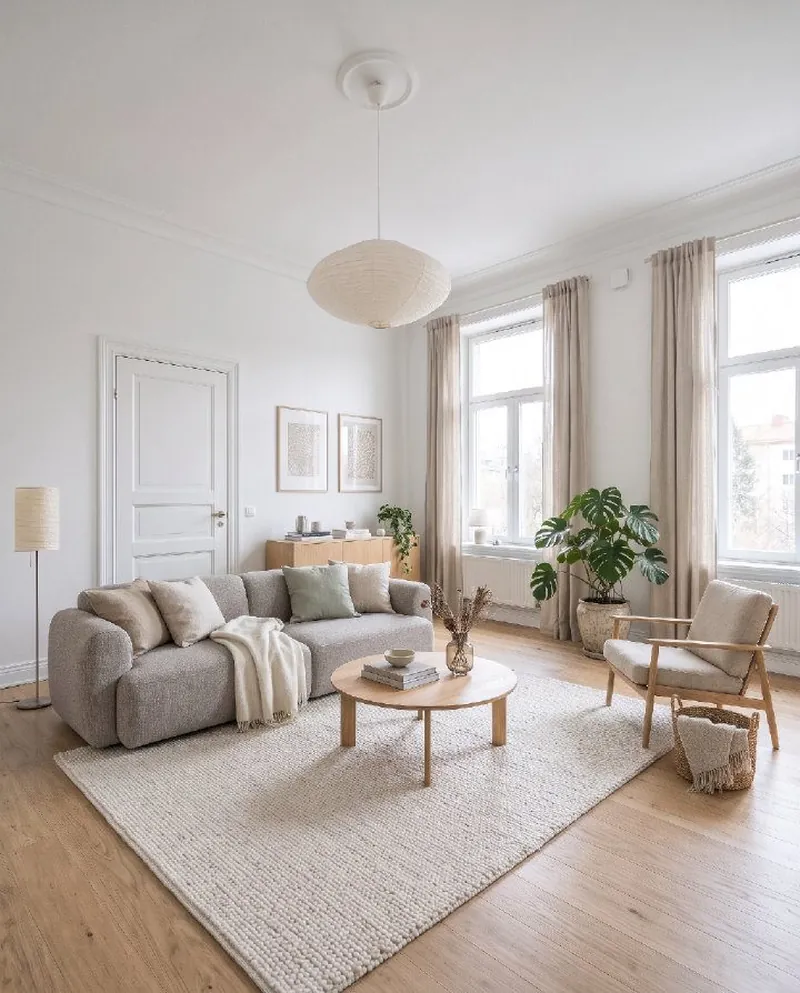
Not every room needs a complete makeover. Choose a light touch where only textiles, rugs, lamps and decor change; a medium change where the main furniture is replaced; or a full redesign with new furniture, wall colour and floor.
You can also tell Roomfixer which pieces to keep, which colours and materials you like, and add your own wishes in words – “a reading corner by the window”, “more storage”, “a darker, cosier feeling”.
More than a pretty picture
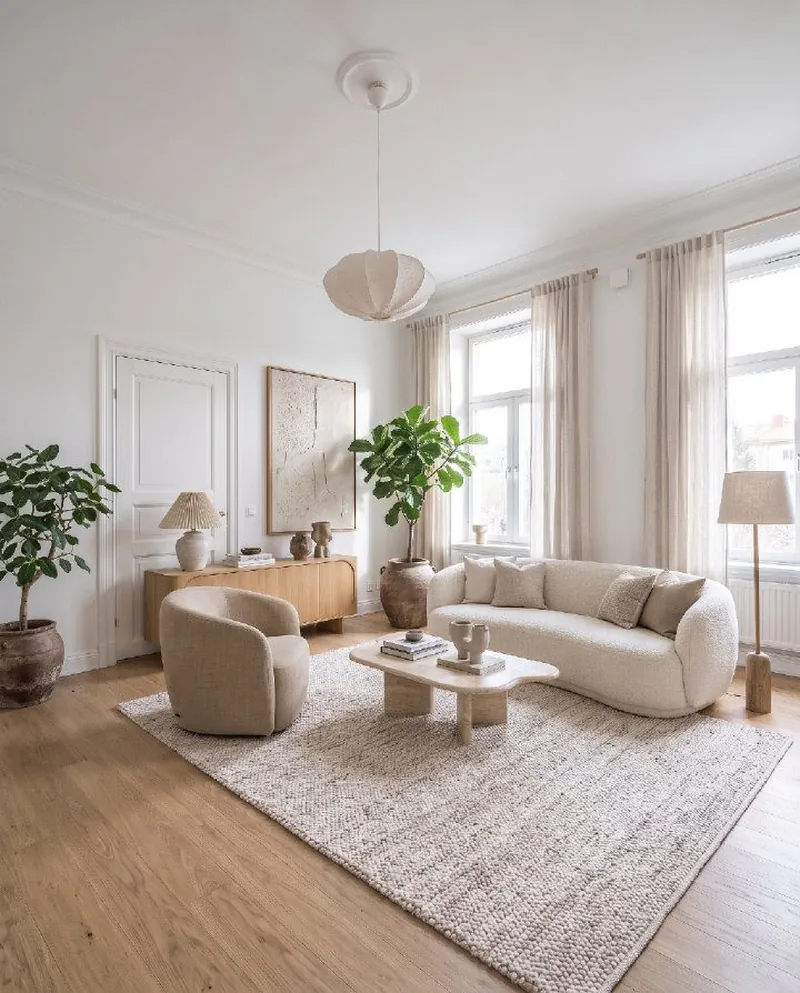
A good designer explains the thinking behind a room. That is why every design in Roomfixer comes with “What we did”: a short list of the ideas used – where the sofa stands and why, how the rug ties the seating together, how the light is layered. They are written so you can do them yourself, with or without new furniture.
- A clear focal point in every room
- Seating grouped into a conversation area
- Rugs large enough for the furniture
- Light in several layers
- Curtains hung high and wide
- Clear walkways and doors
From photo to new room
No measuring, no floor plans. Your phone camera is enough.
Take a photo
Snap the room as it looks today, or pick a photo you already have. Empty, messy or fully furnished all work.
Choose what to do
A new style, design help, a new wall colour, a new floor, a piece of furniture to try, or a calmer room without the clutter.
See your room
Drag the slider to compare before and after, read the design tips, save your favourites and share them.
One app, many kinds of help
Roomfixer is more than a style generator. Use design help to furnish or improve a room, try furniture from a web shop, test wall colours, declutter before a viewing or plan a kitchen or bathroom makeover.
Questions and answers
What is Roomfixer?
Roomfixer is an iPhone app that works as an AI interior designer for your own home. You take a photo of a room, choose what you want – a new style, design help, a new wall colour or floor, a piece of furniture to try, or a decluttered room – and get a realistic picture of the same room with the change made.
Does Roomfixer replace an interior designer?
It gives you many of the same starting points – styles, layouts, colours and tips – whenever you want them. For larger projects, a designer or builder can take your favourite Roomfixer pictures as a brief.
Will my walls and windows change?
No. Roomfixer is designed to keep the room itself: walls, windows, doors, the ceiling and built-ins stay where they are with the same shape. Depending on what you choose, furniture, decor, colours and surfaces change.
Which interior styles are there?
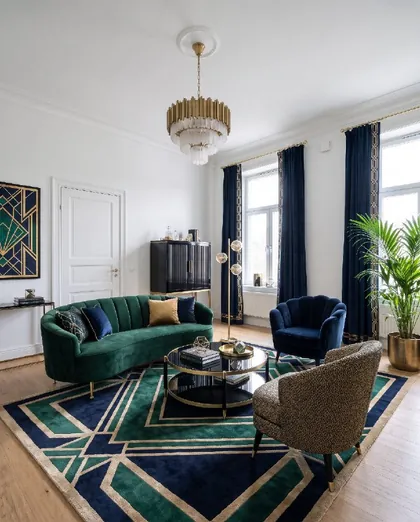
There are 36 styles, including Scandinavian, Japandi, minimalist, mid-century modern, industrial, Boho, coastal, Art Deco, Swedish Gustavian, Hamptons, wabi-sabi, organic modern, quiet luxury and a Christmas style. See them all on the styles page.
Is Roomfixer free?
You can try Roomfixer for free. To create more designs and use every feature, including trying your own furniture, you can subscribe to Roomfixer Plus weekly or yearly in the app. Prices are shown in the app before you buy.
Is the result exactly what my room will look like?
The pictures are made with AI and are meant as inspiration. Sizes, colours and details can differ from real life, so check measurements and samples before you buy or build.
Your room is waiting for its new look
Download Roomfixer for iPhone, take a photo and see what your room can become. Free to try.
Download on theApp Store