 Roomfixer
Interior design help for the room you live in
Sometimes a room is almost right but something is off. Roomfixer shows what the room could be – and tells you what made the difference.
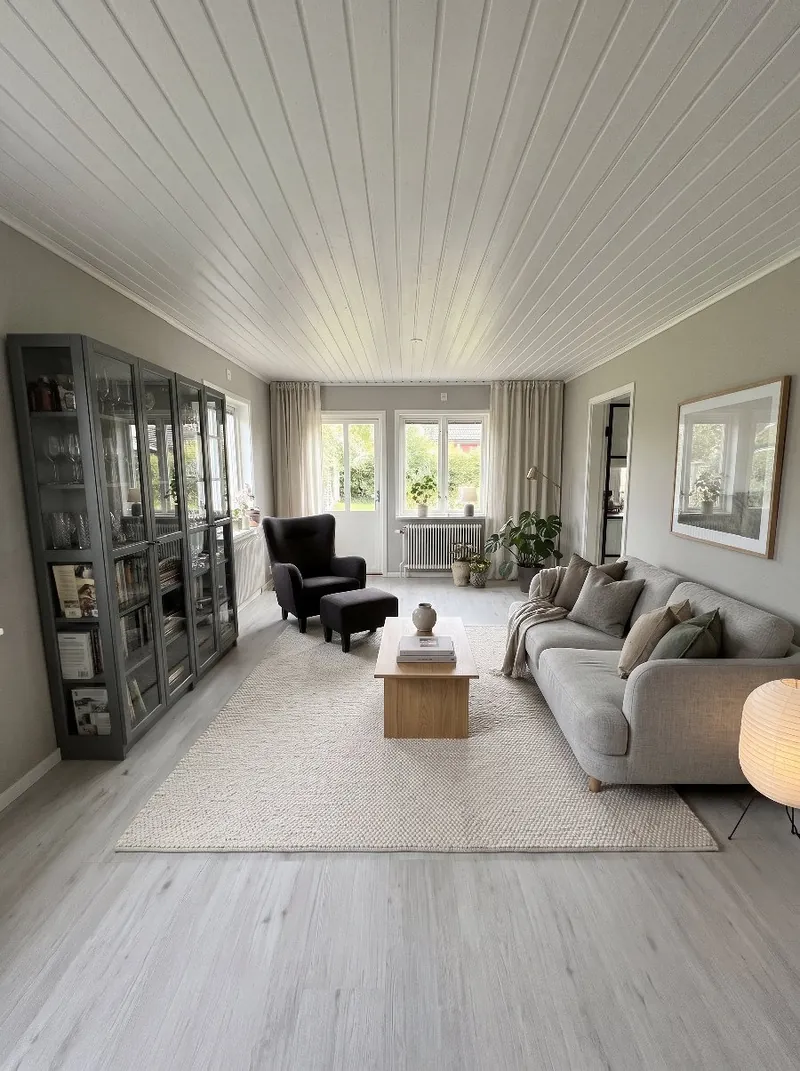
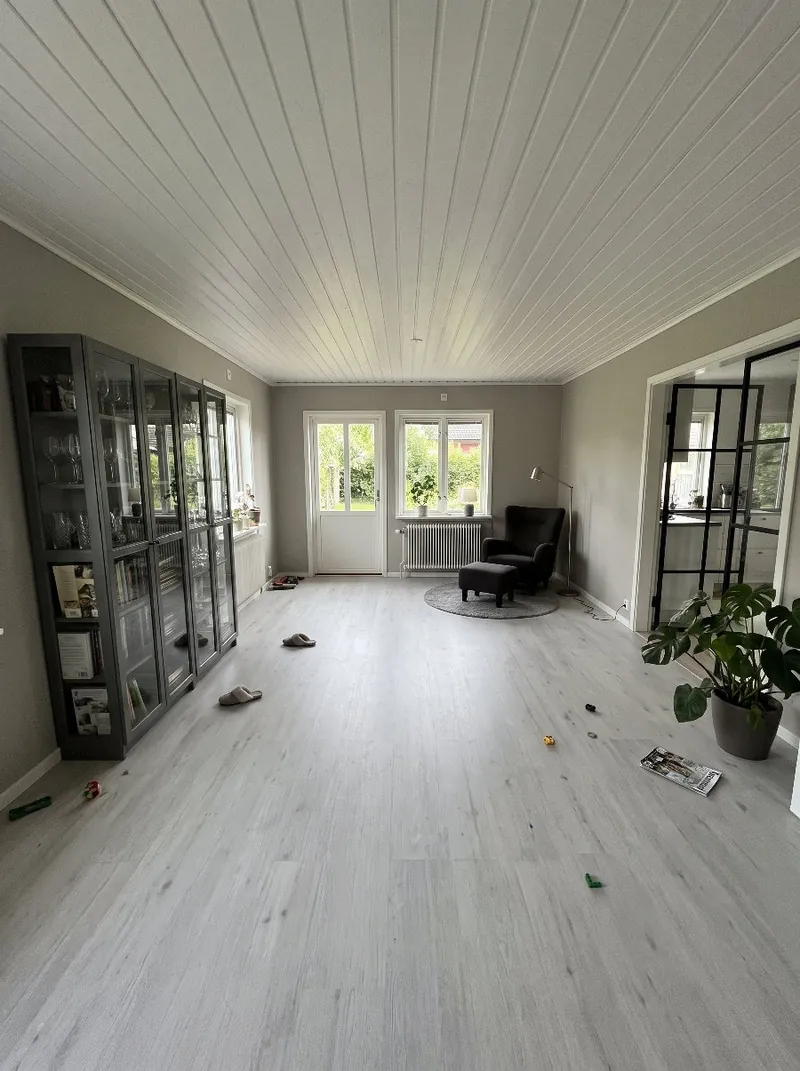
Three ways to get help
Make it nicer. Keep your style and most of what you have, and let Roomfixer improve the layout, the rug, the light and the details.
Redesign. Start over with new furniture and a clear plan in the style you choose.
Furnish an empty room. Moving in, or just cleared the room? Roomfixer furnishes it from scratch, following good interior design.
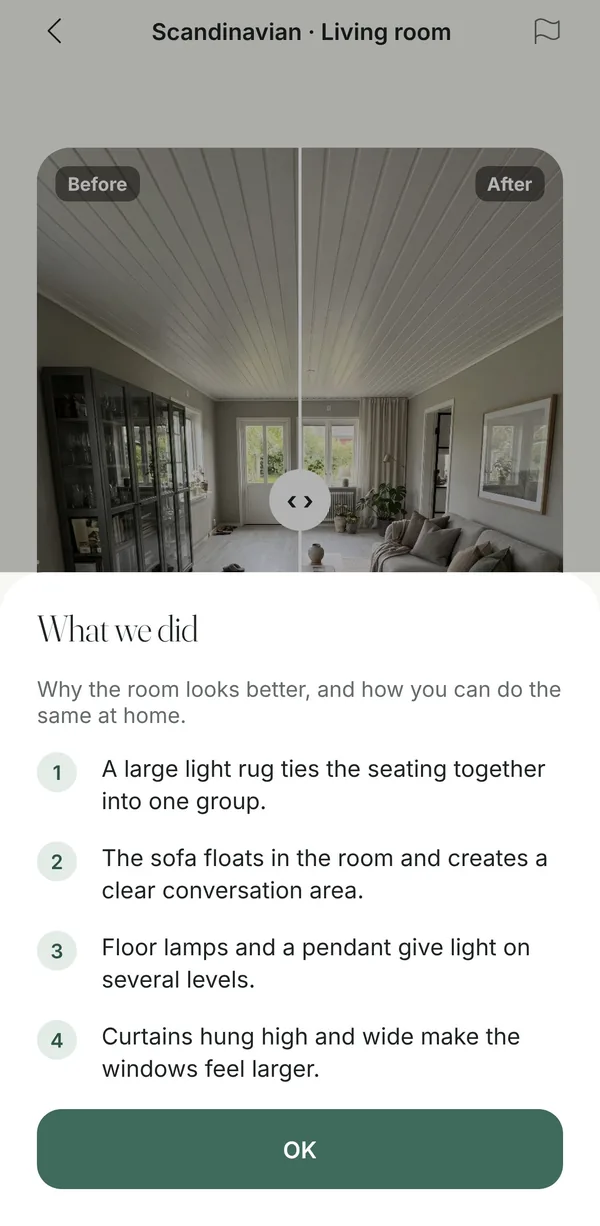
“What we did” – tips you can use
Every design comes with a short explanation of the choices behind it. Instead of guessing why the new picture works, you can read it – and copy the ideas in your own home, often with things you already own.
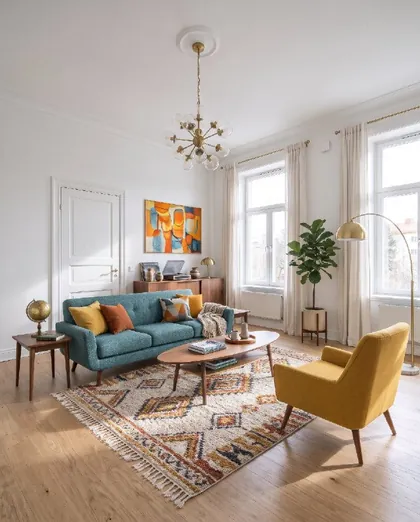
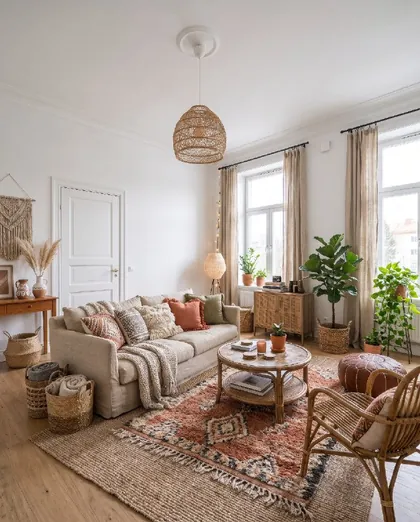
- A large light rug ties the seating together into one group.
- The sofa floats in the room and creates a clear conversation area.
- Floor lamps and a pendant give light on several levels.
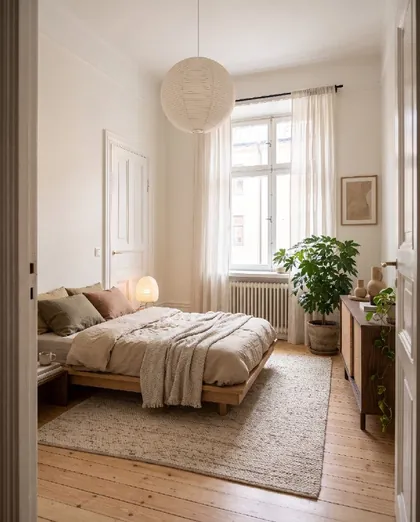
- Curtains hung high and wide make the windows feel larger.
These are examples of the kind of tips you get. They change with every room and every design.
Good design rules, built in
Roomfixer follows the same rules interior designers use: one focal point, seating that faces each other, a rug big enough for the furniture, light in layers, art at eye level and furniture in scale with the room. Large empty areas get a purpose – a reading corner, a desk or a dining spot.
Want something specific? Add your own wishes, colours and materials, or upload inspiration pictures for Roomfixer to work from.
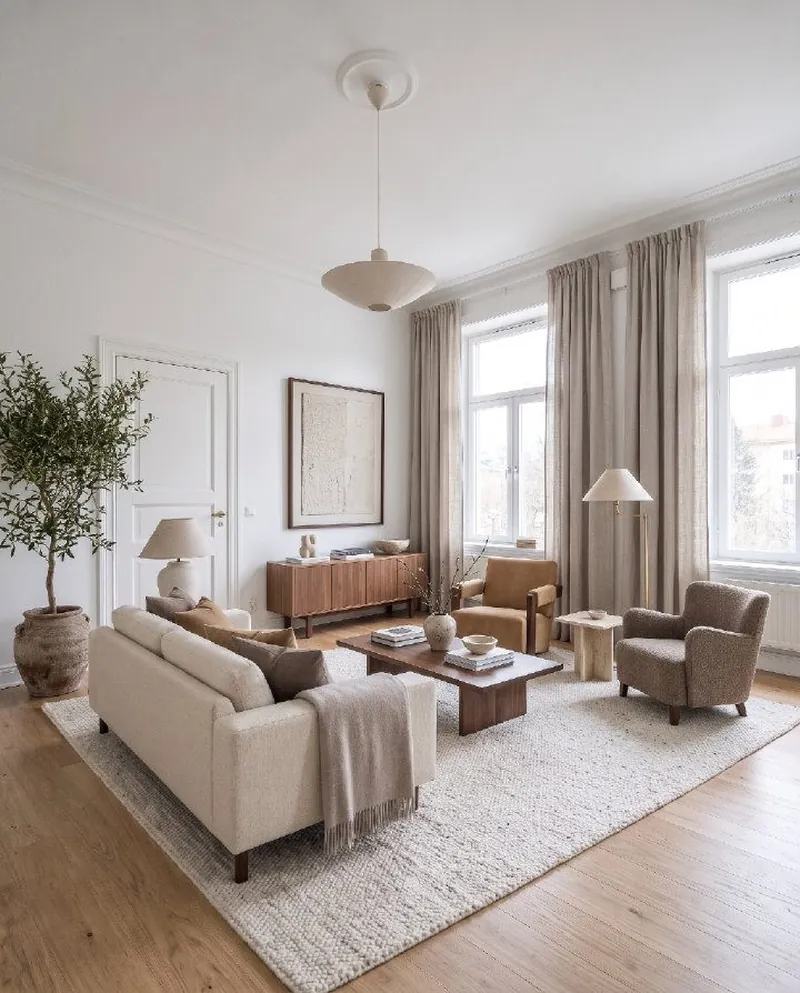
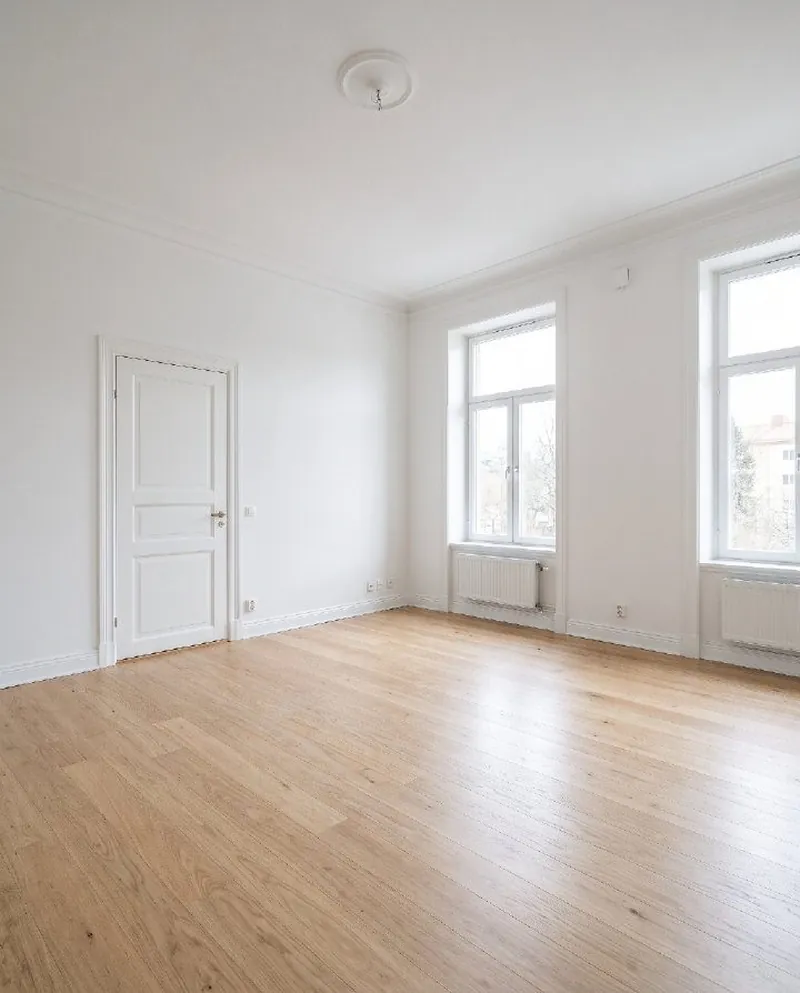
From photo to new room
No measuring, no floor plans. Your phone camera is enough.
Take a photo
Snap the room as it looks today, or pick a photo you already have. Empty, messy or fully furnished all work.
Choose what to do
A new style, design help, a new wall colour, a new floor, a piece of furniture to try, or a calmer room without the clutter.
See your room
Drag the slider to compare before and after, read the design tips, save your favourites and share them.
Questions and answers
Can it furnish a completely empty room?
Yes. Choose Design and “Furnish an empty room”, pick a style, and Roomfixer furnishes the room with a layout that follows good interior design.
Does Roomfixer replace an interior designer?
It gives you many of the same starting points – styles, layouts, colours and tips – whenever you want them. For larger projects, a designer or builder can take your favourite Roomfixer pictures as a brief.
What kind of photo works best?
A sharp photo in daylight, taken from a doorway or corner so you see as much of the room as possible. Hold the phone straight at chest height. Empty, furnished and messy rooms all work.
Which rooms can I use it for?
Living rooms, bedrooms, kitchens, bathrooms, hallways, kids’ rooms, home offices and balconies. In kitchens and bathrooms the fitted installations keep their place.
Is Roomfixer free?
You can try Roomfixer for free. To create more designs and use every feature, including trying your own furniture, you can subscribe to Roomfixer Plus weekly or yearly in the app. Prices are shown in the app before you buy.
Is the result exactly what my room will look like?
The pictures are made with AI and are meant as inspiration. Sizes, colours and details can differ from real life, so check measurements and samples before you buy or build.
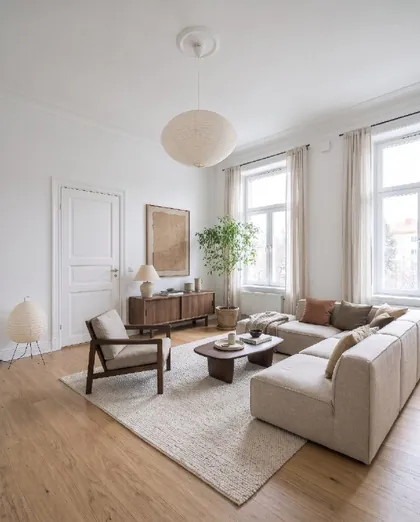
Your room is waiting for its new look
Download Roomfixer for iPhone, take a photo and see what your room can become. Free to try.
Download on theApp Store