 Roomfixer
Your room.
New style.
Take a photo and see your own room redesigned – with the same walls, windows and doors. Try styles, colours and furniture before you spend a thing.
Free to try · Made in Sweden
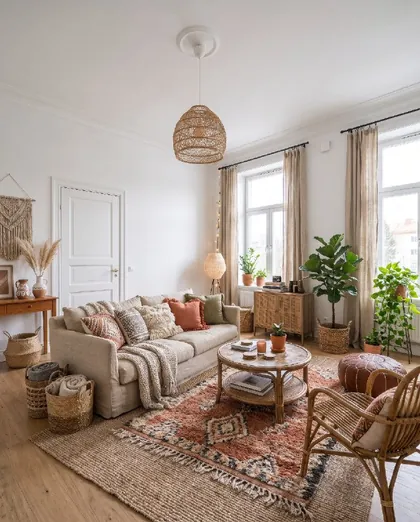 Boho
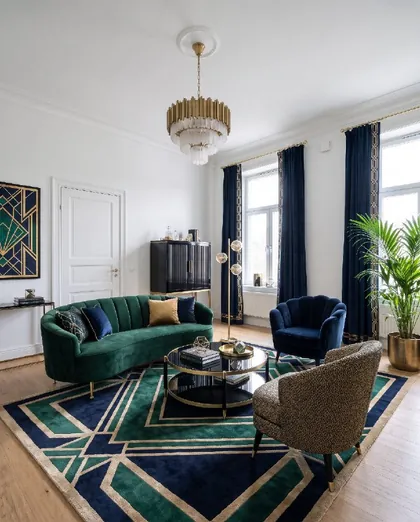 Art deco
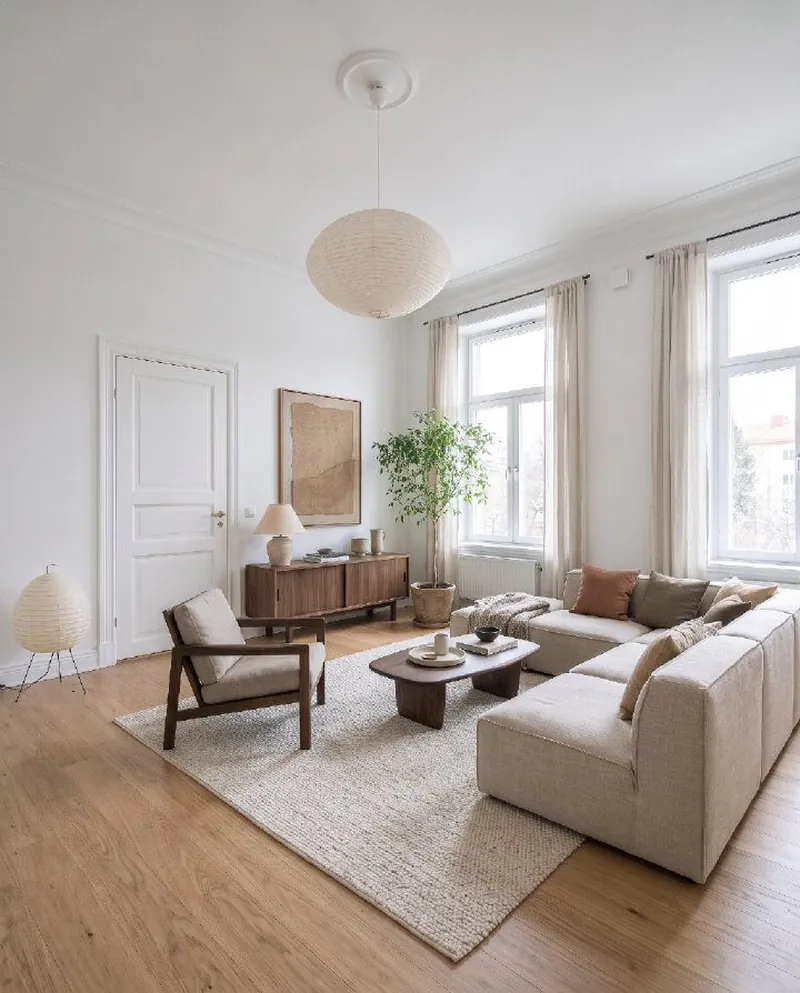
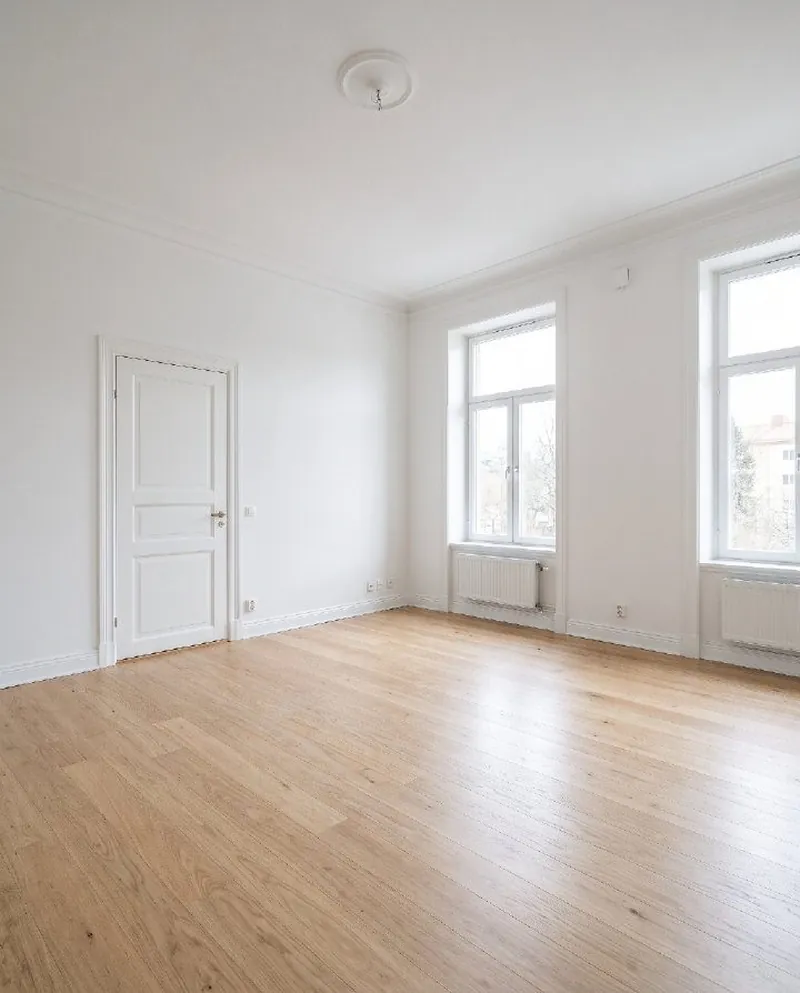
- Your actual room, not a catalogue photo
- Walls, windows and doors stay put
- Tips you can do yourself
- No floor plans or measuring
One photo. Endless ways to rethink a room.
Roomfixer is built for real homes: the living room you have, the kitchen you are tired of and the bedroom that never quite came together.
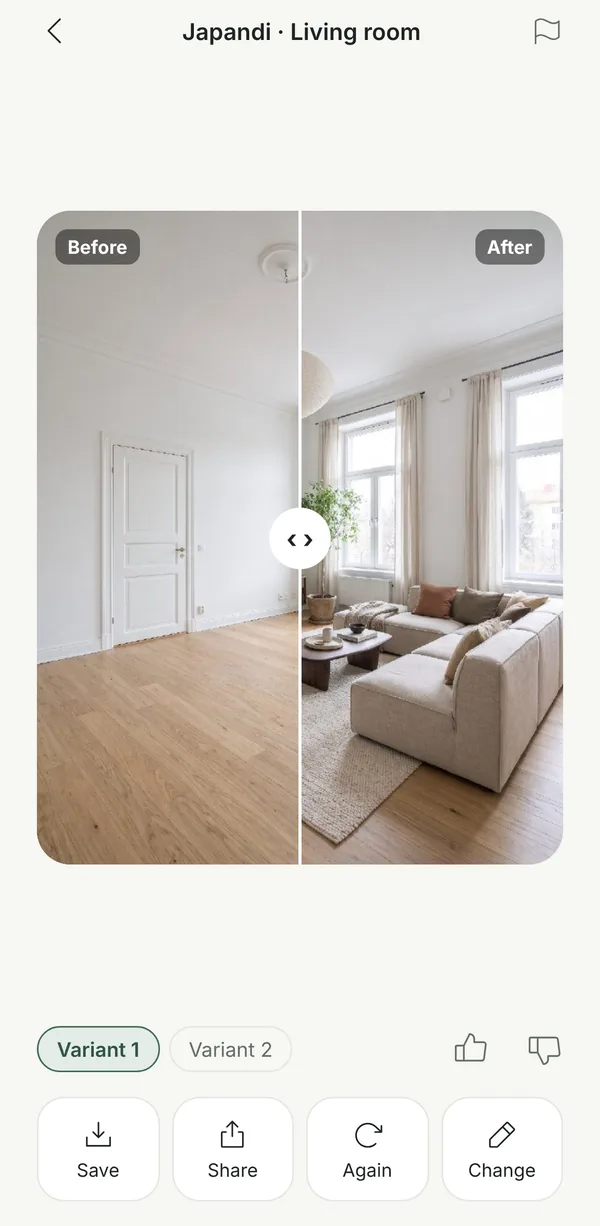
See your room in a whole new style
Pick one of 36 styles – from Japandi and Scandinavian to Art Deco and Christmas – and decide how much should change: just textiles and decor, the main furniture, or everything.
- Keep the furniture you love
- Add your own wishes, colours and materials
- Two variants to compare
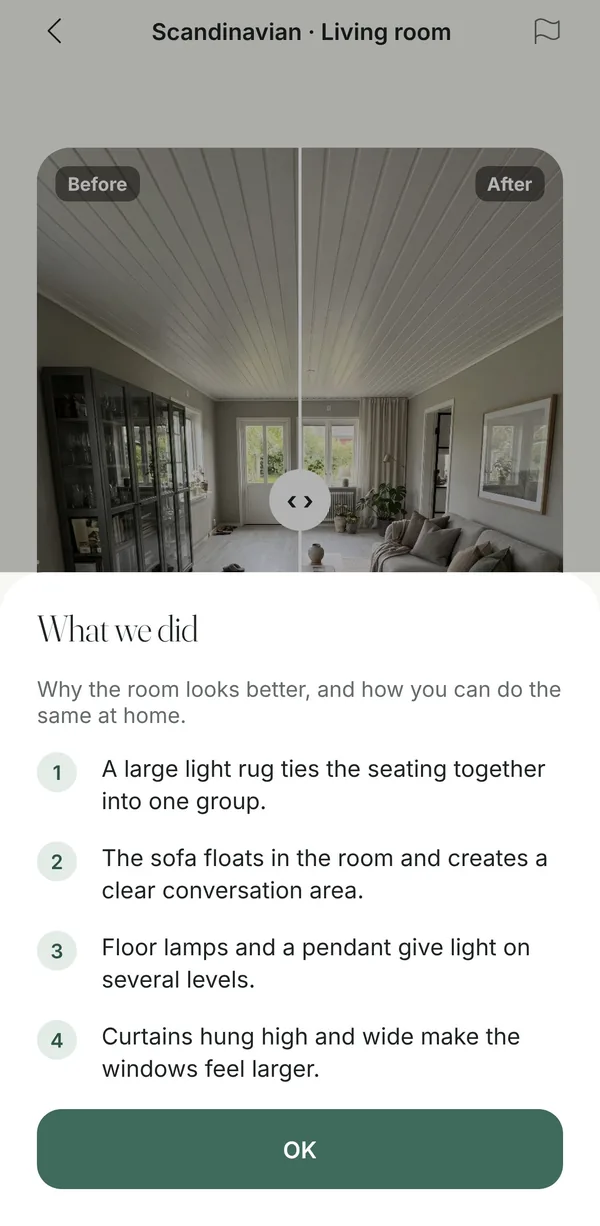
Interior design help, for real
Furnish an empty room, rethink a furnished one, or make what you already have look better. Every design comes with “What we did”: the ideas behind it, written so you can do them yourself.
- Layout, lighting and rugs that work
- Focal points and conversation areas
- Concrete tips, not just a picture
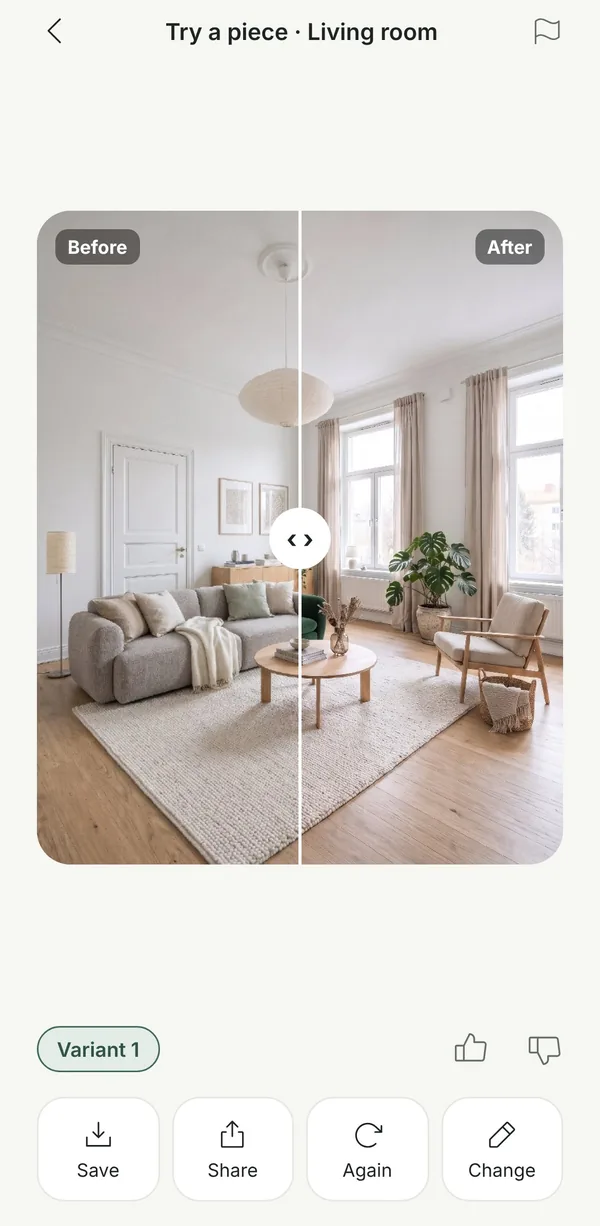
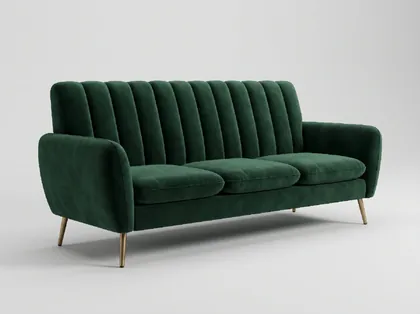 Your sofa
Try the furniture before you buy
Found a sofa online? Upload the product picture and see it in your own room. Replace a piece you have, or add it as something new.
- Works with pictures from any web shop
- Replace or add
- Up to three pieces at once
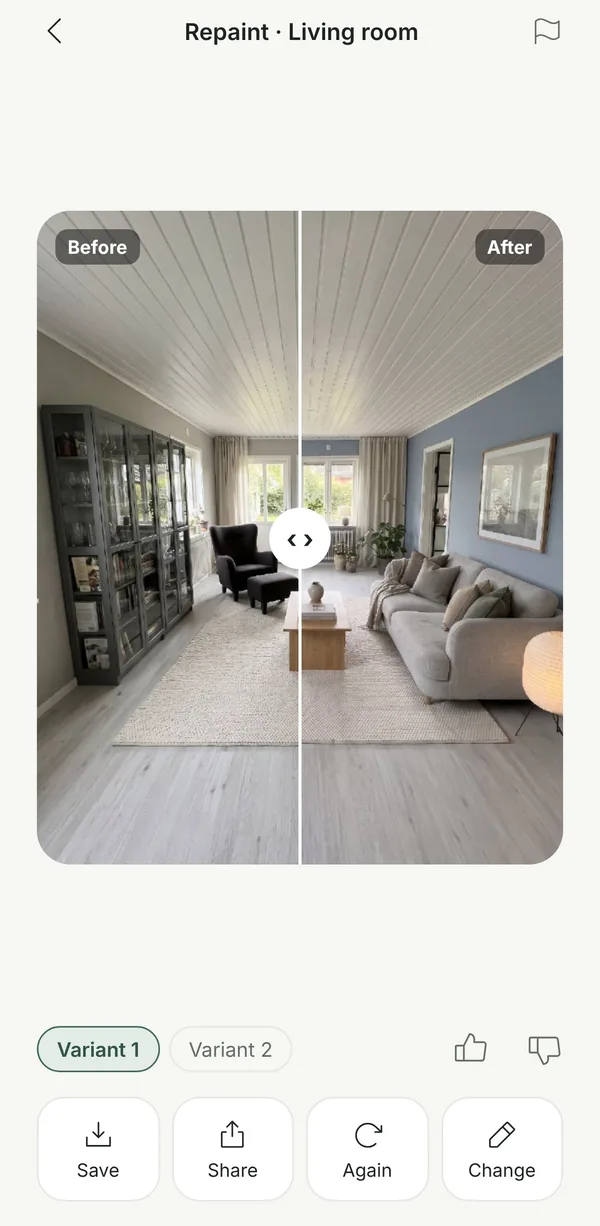
See the colour before you paint
Choose a colour and see it on your own walls, with your furniture right where it is. A cheaper way to find out than a sample pot on every wall.
- Any colour you like
- Furniture, floor and ceiling stay
- Compare shades side by side
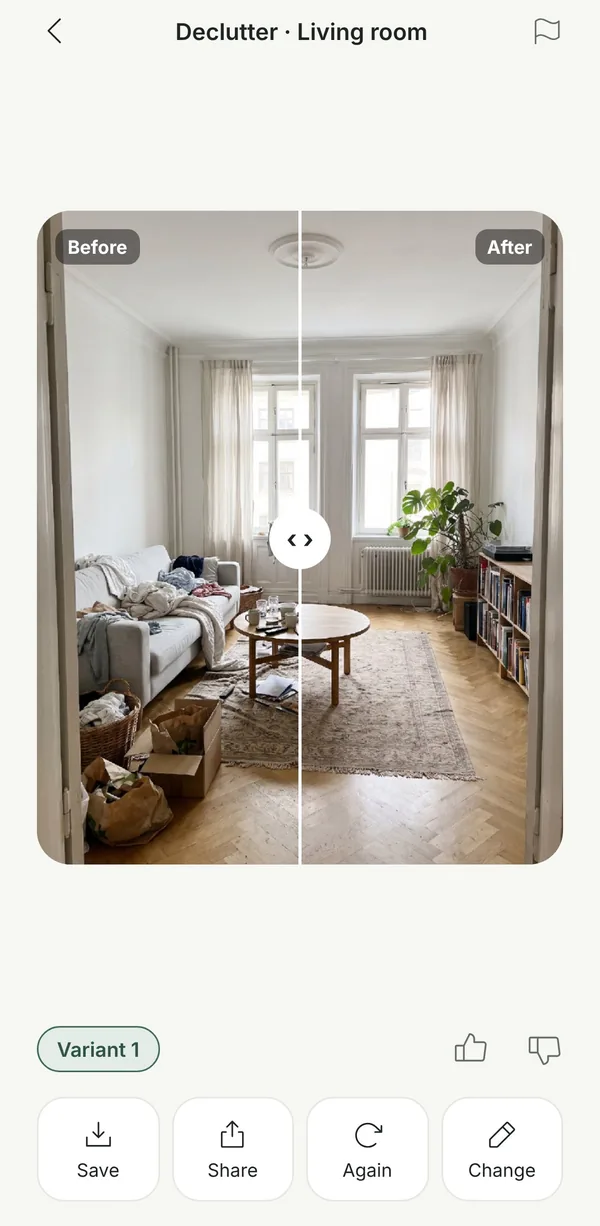
Your room, minus the clutter
Perfect before a viewing, or when you simply want to see what the room can be. Loose things disappear; the furniture stays.
- Great for selling your home
- Shows the room’s real potential
- Combine with a new style
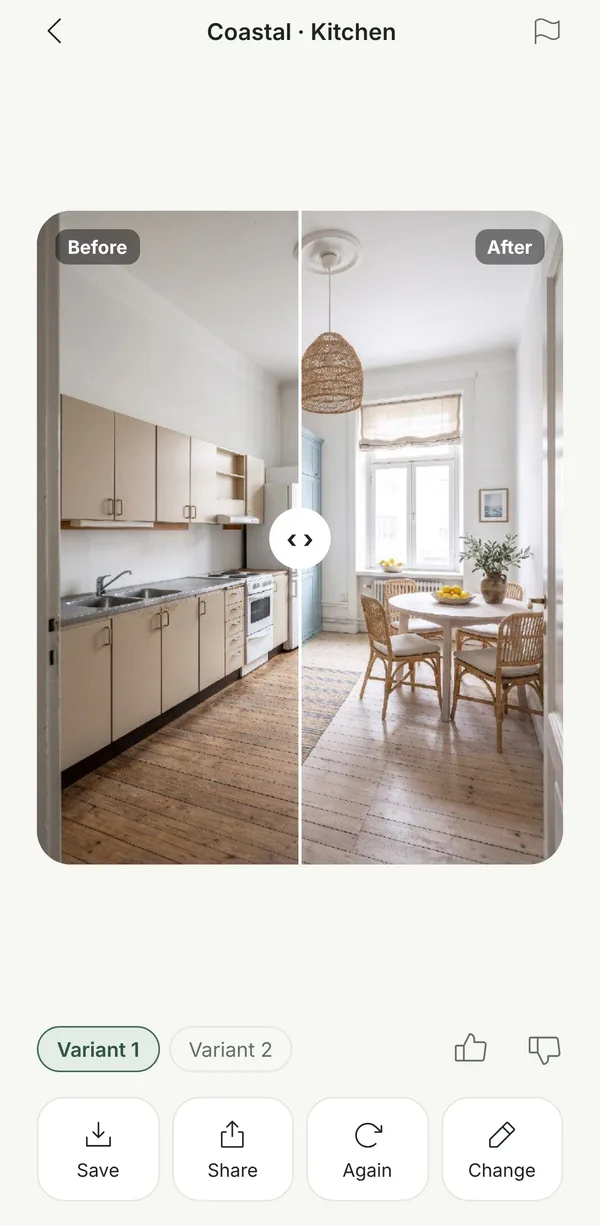
Walls and windows stay. The feeling changes.
In kitchens and bathrooms Roomfixer keeps the fitted installations where they are and gives them new surfaces – fronts, worktops, tiles and taps – so the ideas stay realistic.
- Cabinets and appliances keep their place
- New fronts, tiles and colours
- Ideas before you call a builder
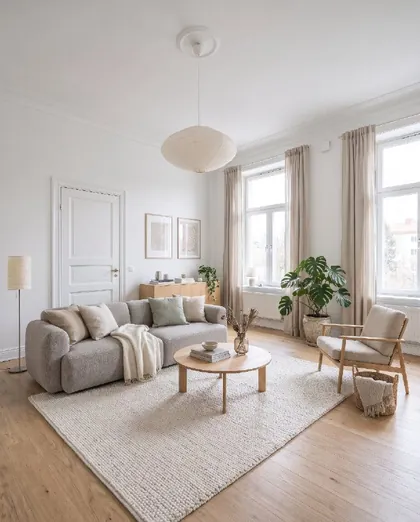 Scandinavian
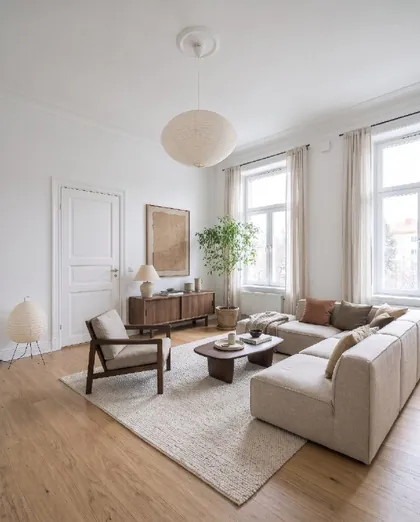 Japandi
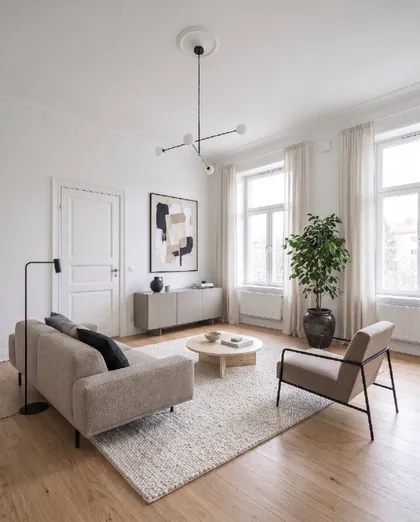 Modern minimal
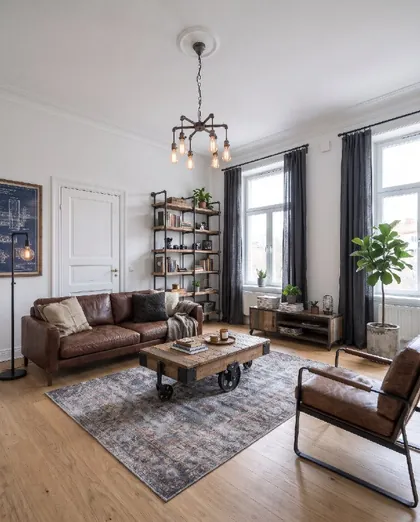 Industrial
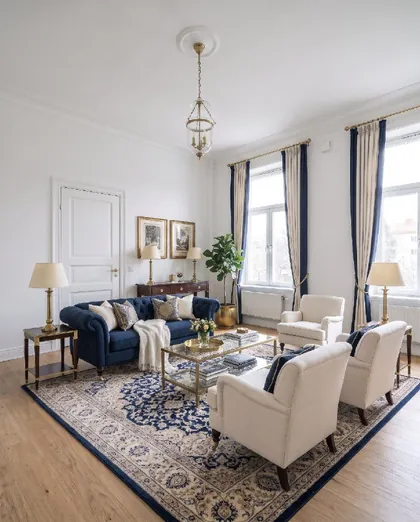 Classic
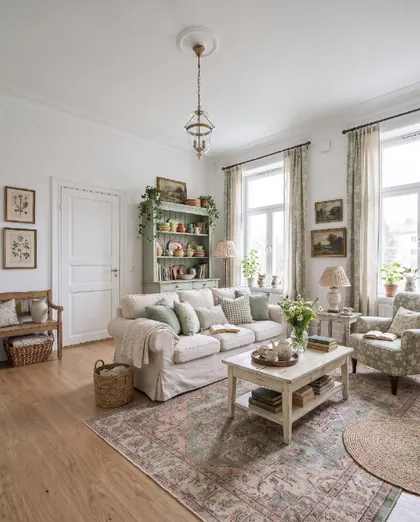 Cottage
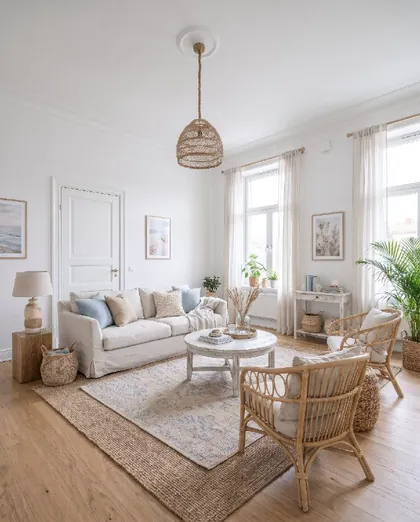 Coastal
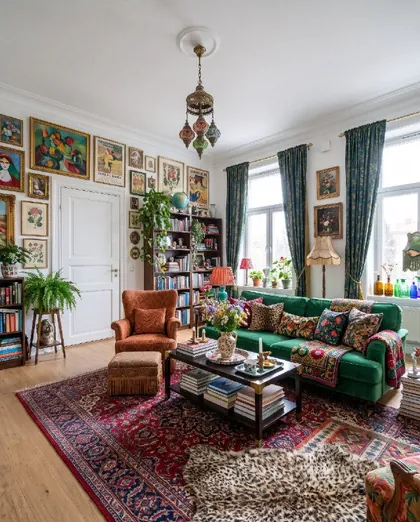 Maximalist
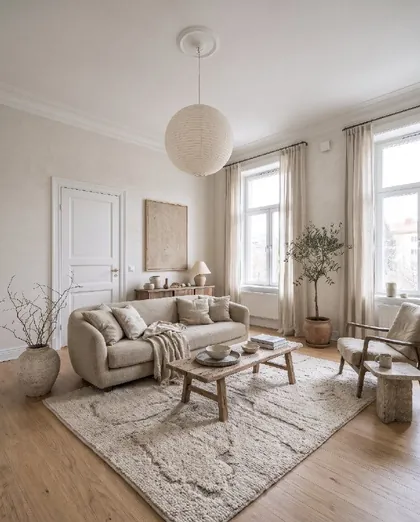 Wabi-sabi
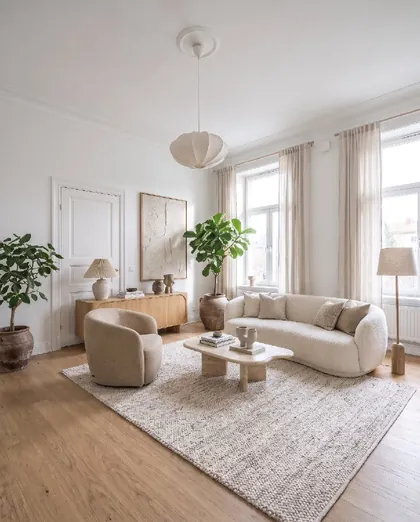 Organic modern
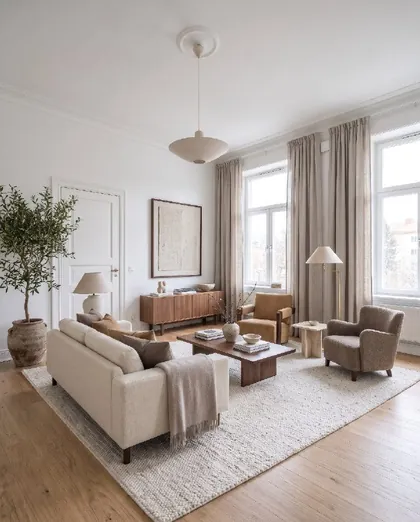 Quiet luxury
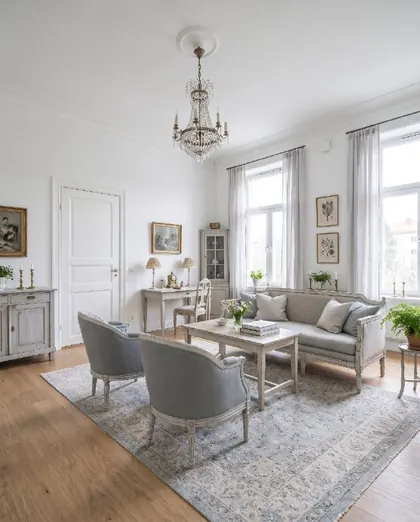 Gustavian
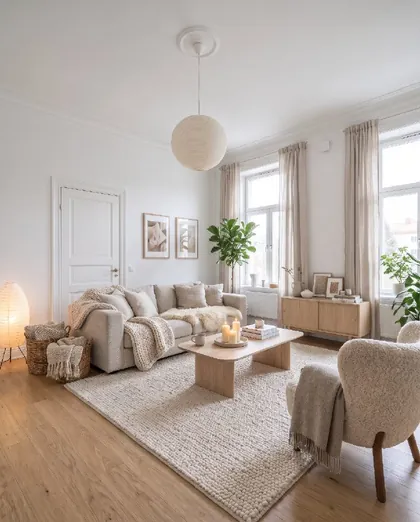 Nordic hygge
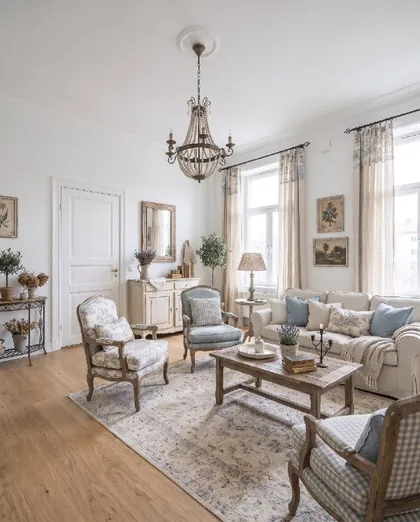 French country
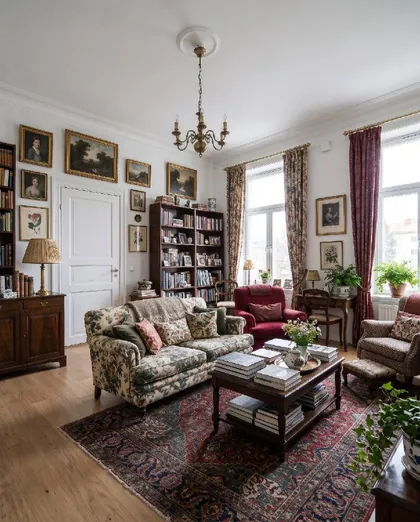 English country
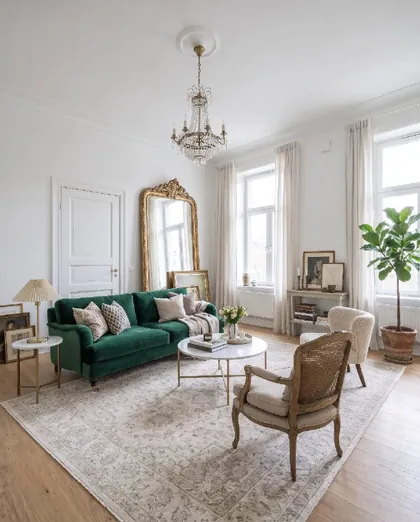 Parisian
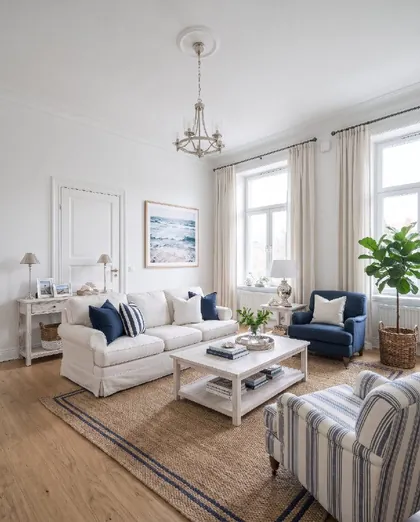 Hamptons
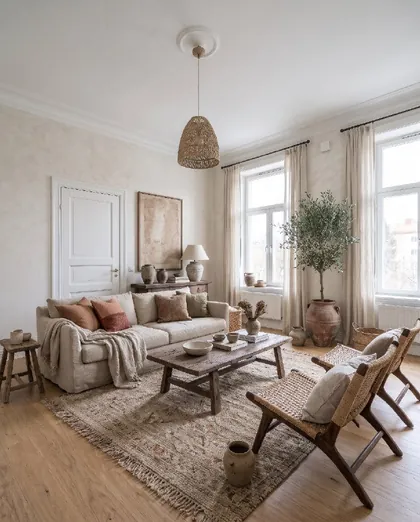 Mediterranean
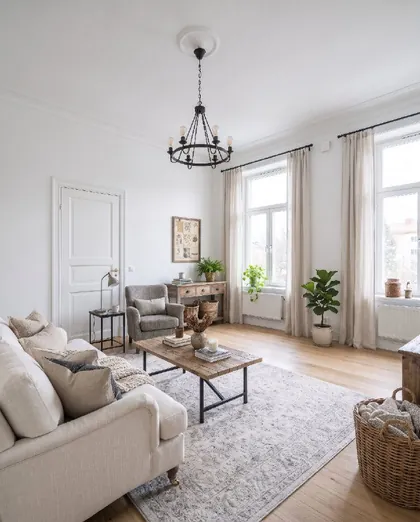 Farmhouse
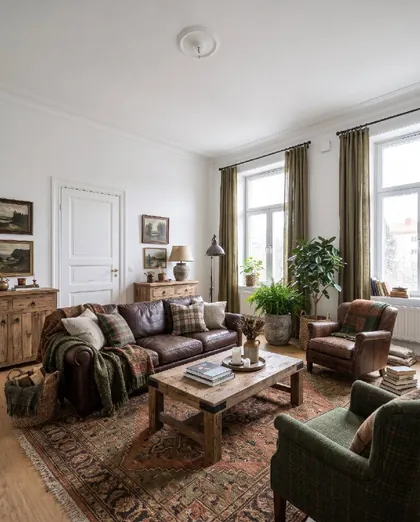 Rustic
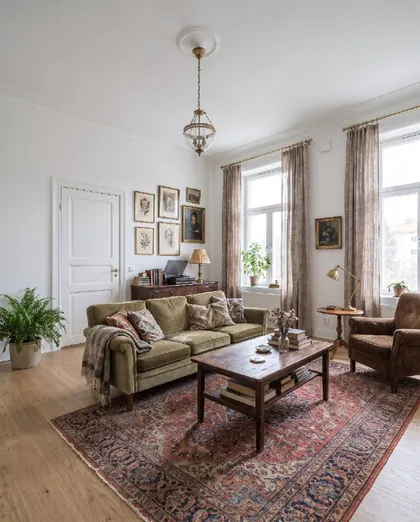 Vintage
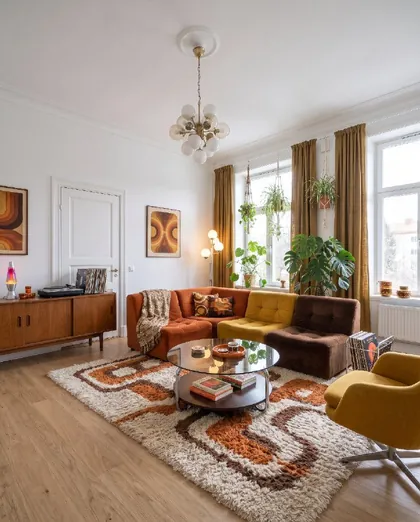 70s retro
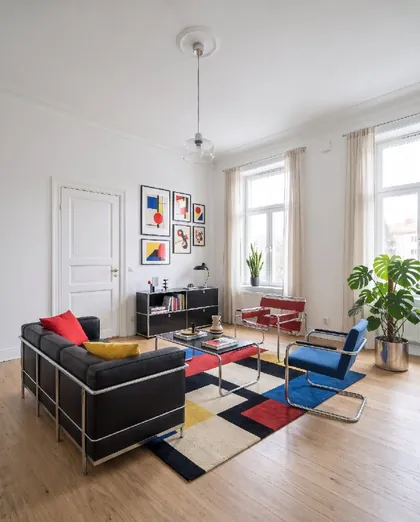 Bauhaus
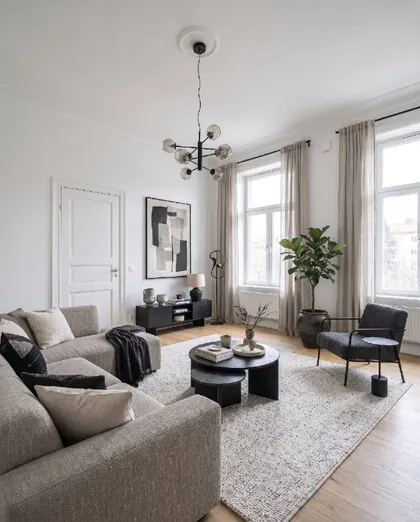 Contemporary
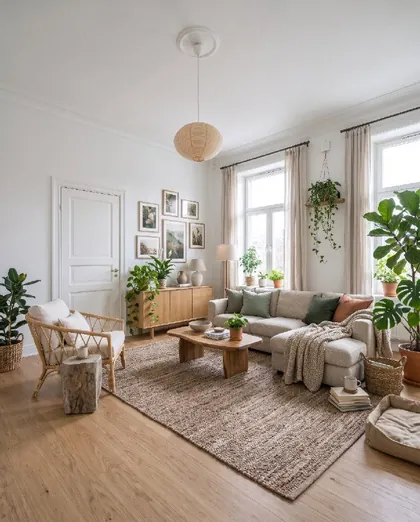 Biophilic
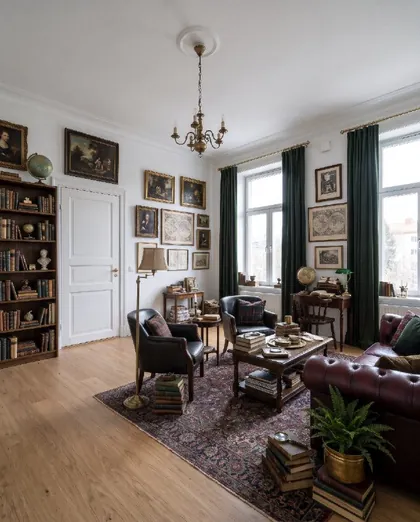 Dark academia
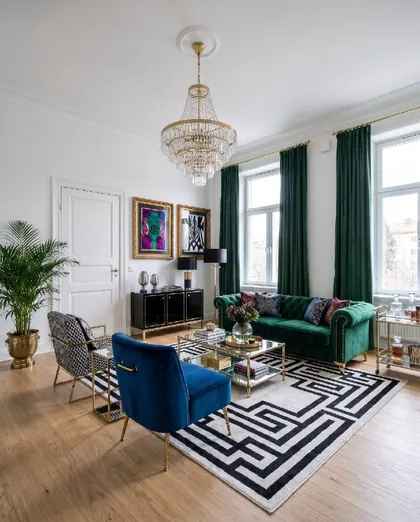 Hollywood regency
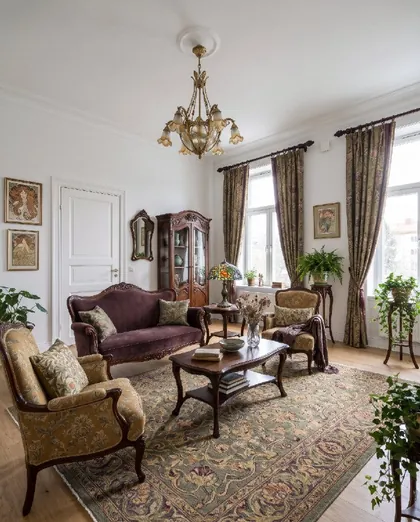 Art nouveau
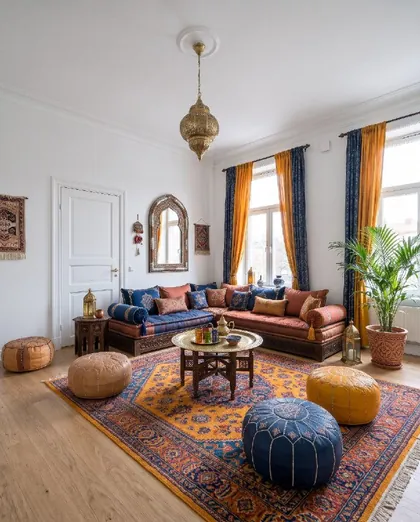 Moroccan
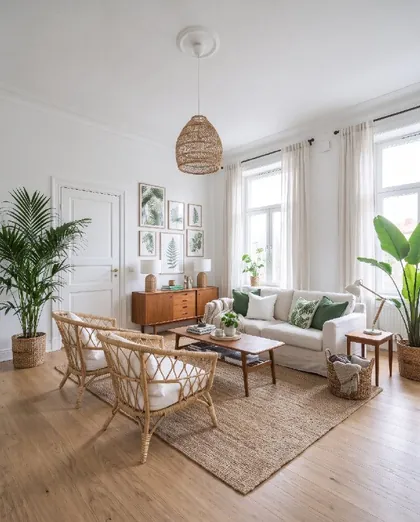 Tropical
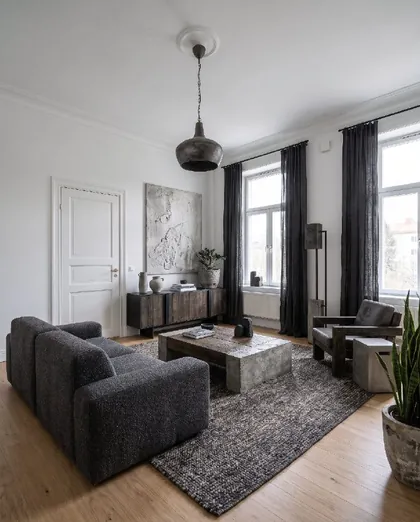 Brutalist
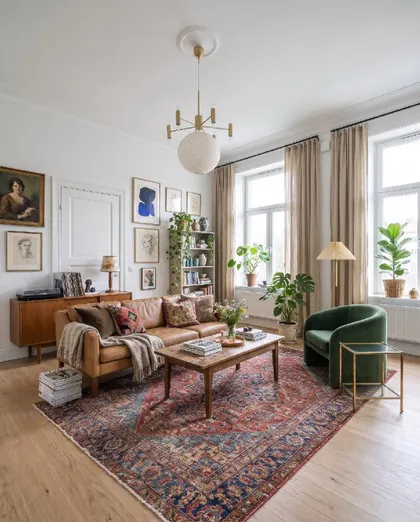 Eclectic
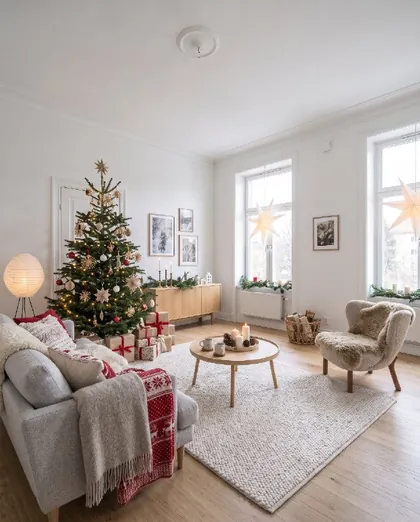 Christmas
From photo to new room
No measuring, no floor plans. Your phone camera is enough.
Take a photo
Snap the room as it looks today, or pick a photo you already have. Empty, messy or fully furnished all work.
Choose what to do
A new style, design help, a new wall colour, a new floor, a piece of furniture to try, or a calmer room without the clutter.
See your room
Drag the slider to compare before and after, read the design tips, save your favourites and share them.
Whatever is next for your home
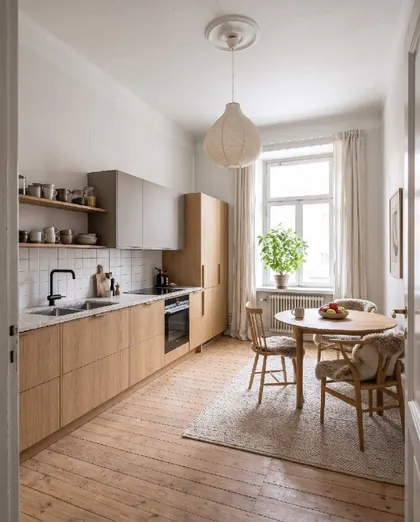
Kitchen renovation
New fronts, tiles and colours in your own kitchen.
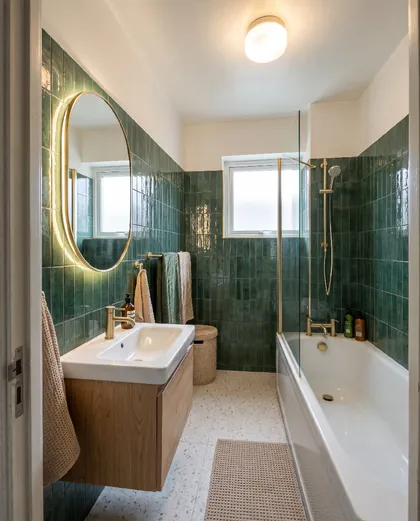
New bathroom
See new tiles and details before you renovate.
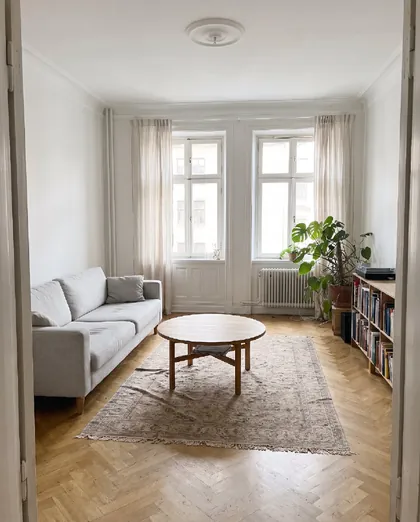
Virtual staging
Declutter and stage rooms before a viewing.
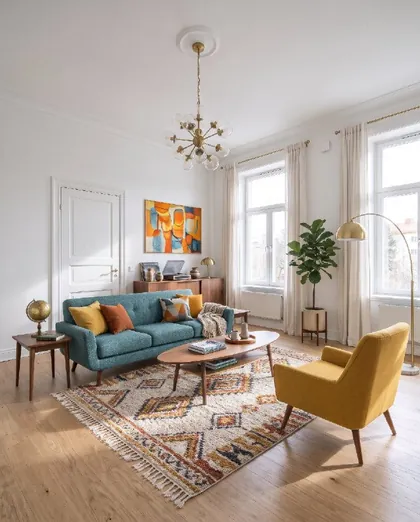
Furnish an empty room
From empty room to home, with a real plan.
Living room ideas
Ideas and tips for the heart of the home.
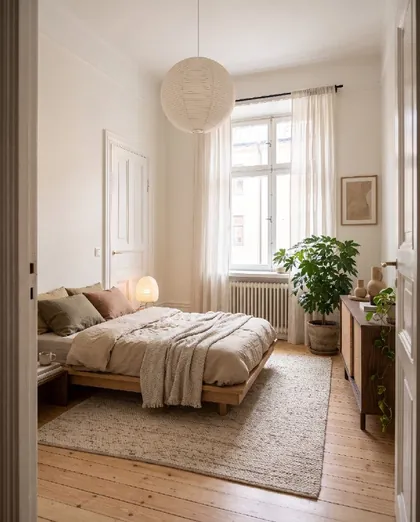
Bedroom ideas
A calmer, cosier bedroom.
Questions and answers
What is Roomfixer?
Roomfixer is an iPhone app that works as an AI interior designer for your own home. You take a photo of a room, choose what you want – a new style, design help, a new wall colour or floor, a piece of furniture to try, or a decluttered room – and get a realistic picture of the same room with the change made.
Is Roomfixer free?
You can try Roomfixer for free. To create more designs and use every feature, including trying your own furniture, you can subscribe to Roomfixer Plus weekly or yearly in the app. Prices are shown in the app before you buy.
Will my walls and windows change?
No. Roomfixer is designed to keep the room itself: walls, windows, doors, the ceiling and built-ins stay where they are with the same shape. Depending on what you choose, furniture, decor, colours and surfaces change.
What kind of photo works best?
A sharp photo in daylight, taken from a doorway or corner so you see as much of the room as possible. Hold the phone straight at chest height. Empty, furnished and messy rooms all work.
Which rooms can I use it for?
Living rooms, bedrooms, kitchens, bathrooms, hallways, kids’ rooms, home offices and balconies. In kitchens and bathrooms the fitted installations keep their place.
Which interior styles are there?
There are 36 styles, including Scandinavian, Japandi, minimalist, mid-century modern, industrial, Boho, coastal, Art Deco, Swedish Gustavian, Hamptons, wabi-sabi, organic modern, quiet luxury and a Christmas style. See them all on the styles page.
Can I see furniture from a web shop in my room?
Yes. With Roomfixer Plus you can upload pictures of up to three pieces – a sofa, an armchair, a lamp – and see them in your room, either replacing a piece you have or added as something new.
What happens to my photos?
Your photos are used to create your designs and are stored so you can see them in the app. You can delete a room or your whole account in the app, and the photos go with it. Read more in our privacy policy.
Is Roomfixer available for Android?
Roomfixer is available for iPhone on the App Store today.
Is the result exactly what my room will look like?
The pictures are made with AI and are meant as inspiration. Sizes, colours and details can differ from real life, so check measurements and samples before you buy or build.
Your room is waiting for its new look
Download Roomfixer for iPhone, take a photo and see what your room can become. Free to try.
Download on theApp Store