 Roomfixer
See the colour on your walls before you paint
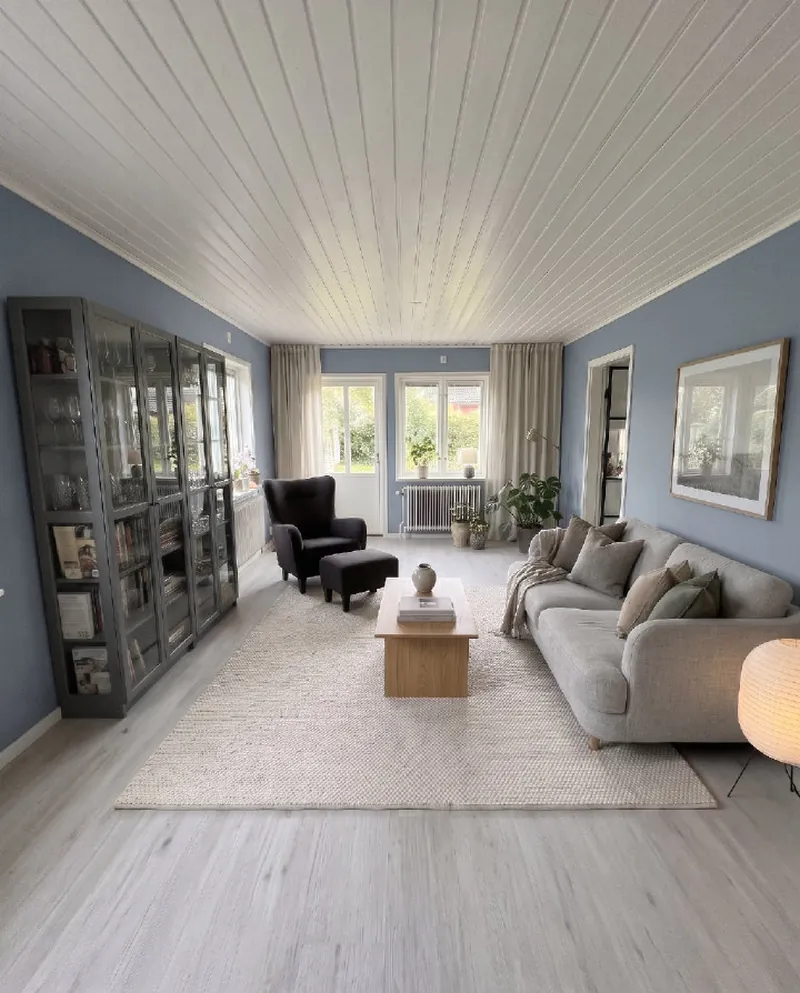
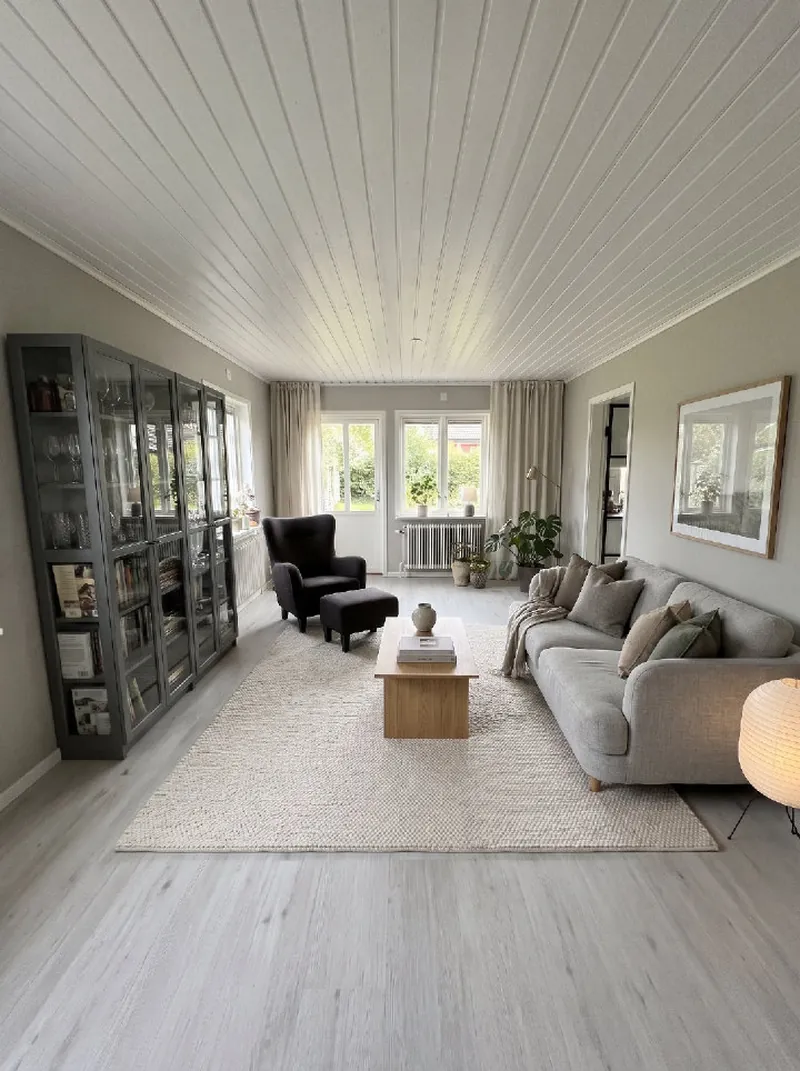
Sage green or dusty blue? Warm clay or classic white? Try colours on your own walls – with your furniture right where it is.
Try it here
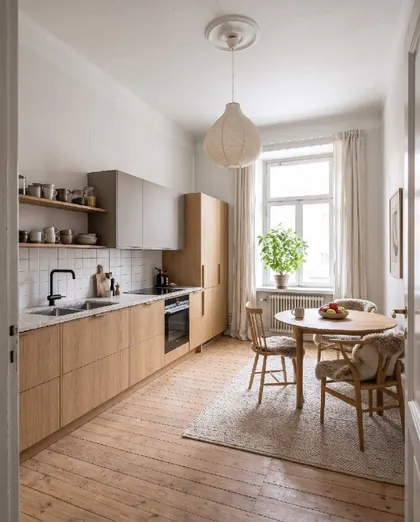
Tap a colour to see the same living room repainted.
Why test colours this way?
A small colour card rarely shows how a whole room will feel. Sample pots help, but you have to paint, wait and repaint. With Roomfixer you can compare many colours in your own room first – then buy samples only for your favourites.
Roomfixer repaints the walls evenly and realistically, also behind and around furniture, and keeps the ceiling, floor, furniture and decor exactly as they are.
Combine colour with a new style
A new wall colour often works best together with textiles, rugs and art. Use a new style to see the whole picture, or try a new floor at the same time.
Remember that screens and daylight change how colours look. Use Roomfixer to choose the direction, and confirm with a real sample on the wall.
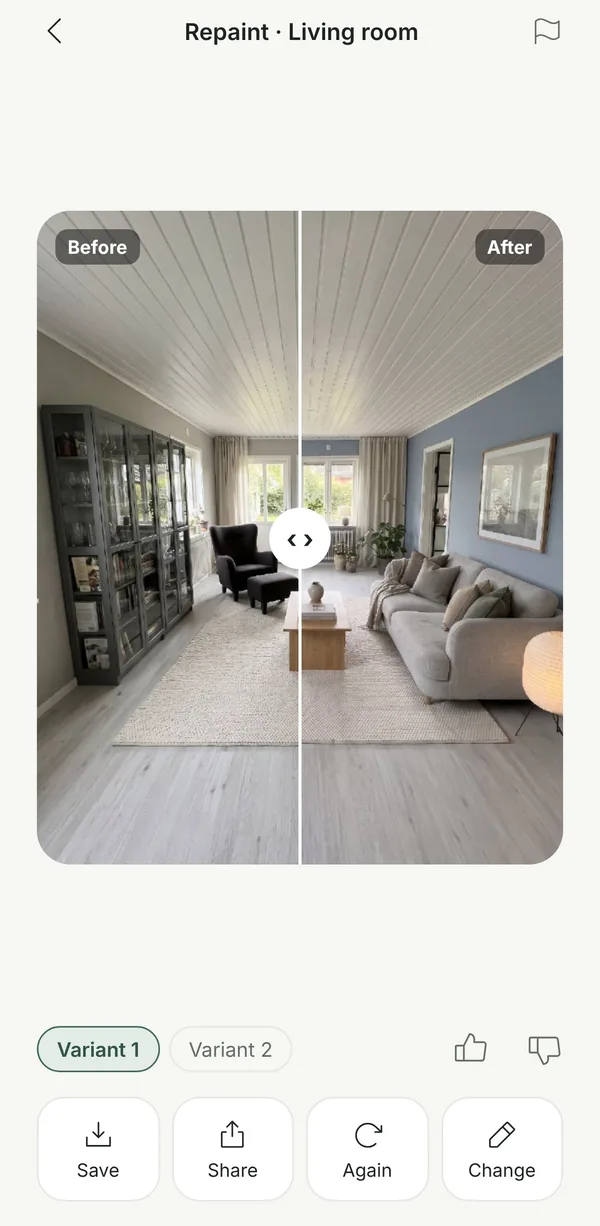
From photo to new room
No measuring, no floor plans. Your phone camera is enough.
Take a photo
Snap the room as it looks today, or pick a photo you already have. Empty, messy or fully furnished all work.
Choose what to do
A new style, design help, a new wall colour, a new floor, a piece of furniture to try, or a calmer room without the clutter.
See your room
Drag the slider to compare before and after, read the design tips, save your favourites and share them.
Questions and answers
Can I pick any wall colour?
Yes. Choose a ready-made shade or your own colour, and Roomfixer repaints the walls while furniture, floor and ceiling stay as they are. Screens show colours differently, so always try a real sample before painting.
What kind of photo works best?
A sharp photo in daylight, taken from a doorway or corner so you see as much of the room as possible. Hold the phone straight at chest height. Empty, furnished and messy rooms all work.
Is the result exactly what my room will look like?
The pictures are made with AI and are meant as inspiration. Sizes, colours and details can differ from real life, so check measurements and samples before you buy or build.
Will my walls and windows change?
No. Roomfixer is designed to keep the room itself: walls, windows, doors, the ceiling and built-ins stay where they are with the same shape. Depending on what you choose, furniture, decor, colours and surfaces change.
Is Roomfixer free?
You can try Roomfixer for free. To create more designs and use every feature, including trying your own furniture, you can subscribe to Roomfixer Plus weekly or yearly in the app. Prices are shown in the app before you buy.
What happens to my photos?
Your photos are used to create your designs and are stored so you can see them in the app. You can delete a room or your whole account in the app, and the photos go with it. Read more in our privacy policy.
Your room is waiting for its new look
Download Roomfixer for iPhone, take a photo and see what your room can become. Free to try.
Download on theApp Store