 Roomfixer
Living room ideas, shown in your own living room
The living room is where everything happens – and where a few changes make the biggest difference.
Find your living room style
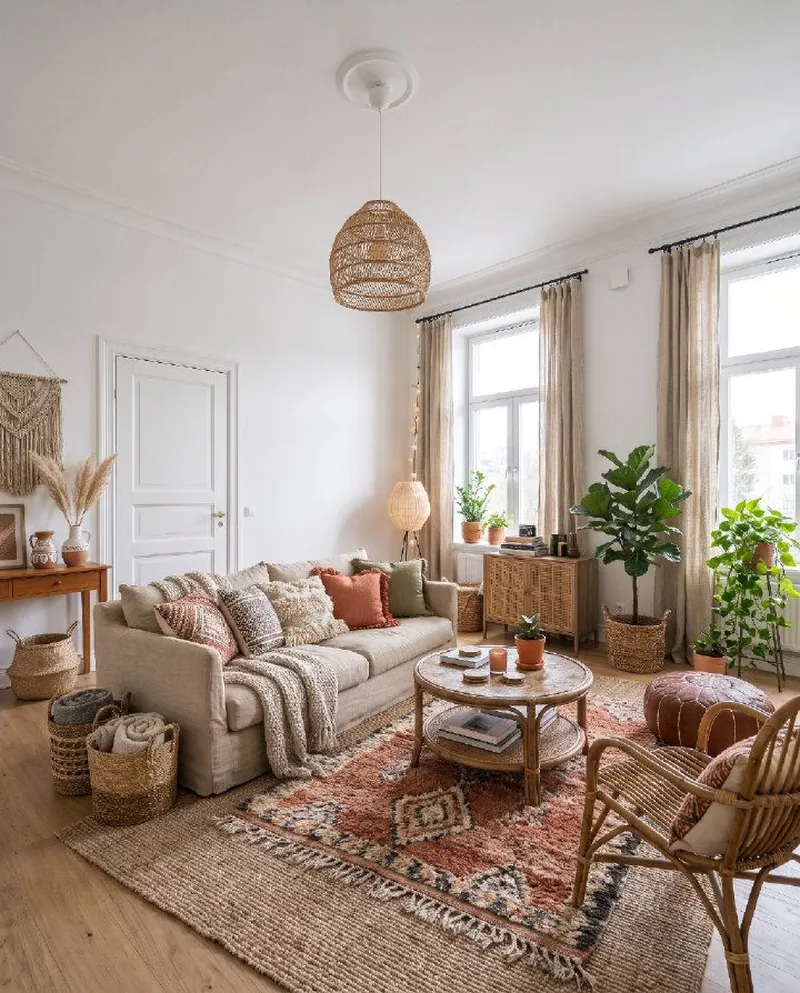
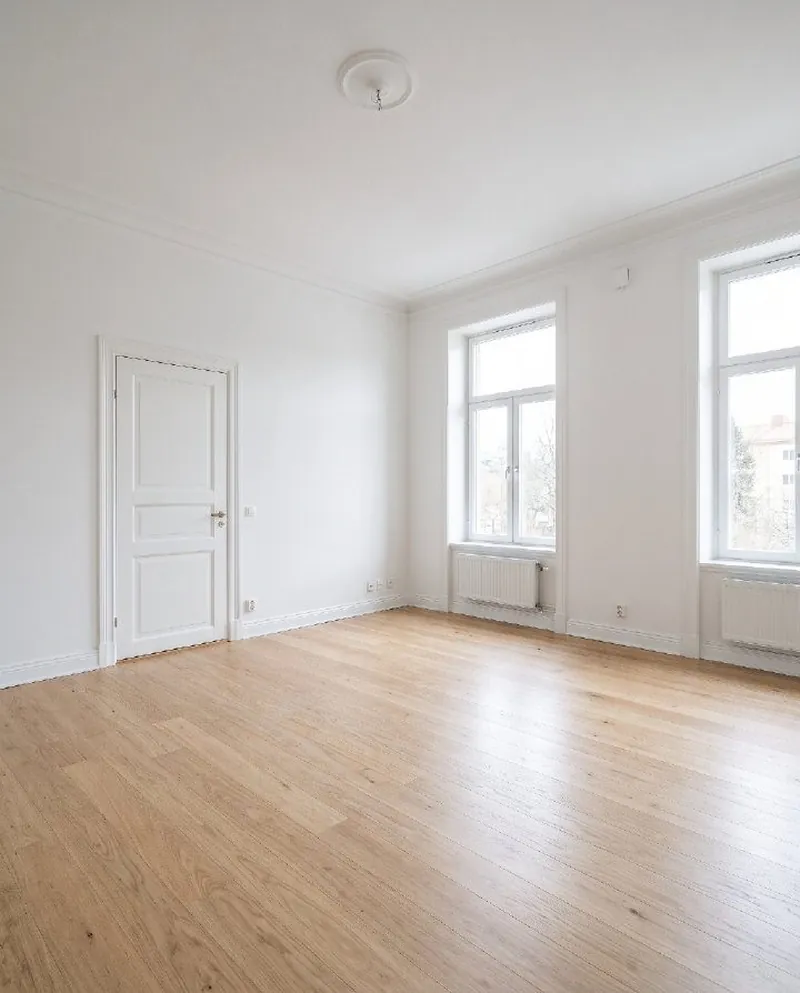
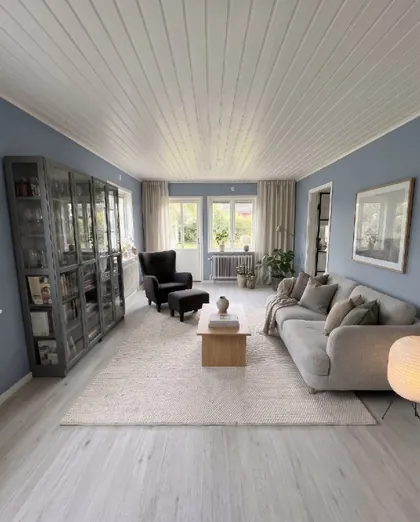
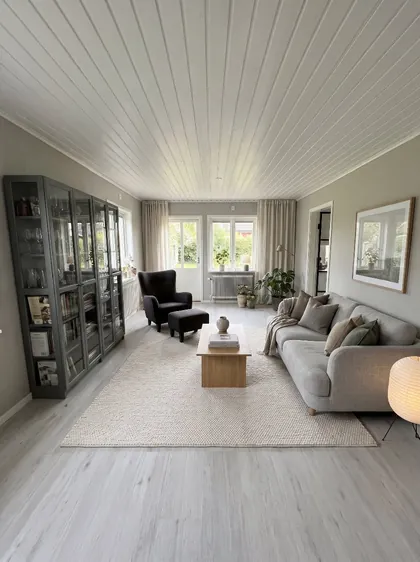
The same living room in some of the 36 styles.
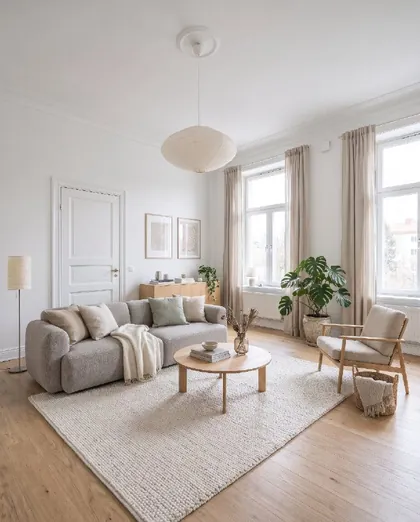
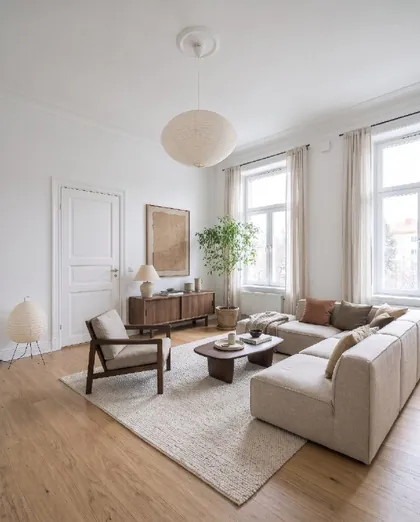
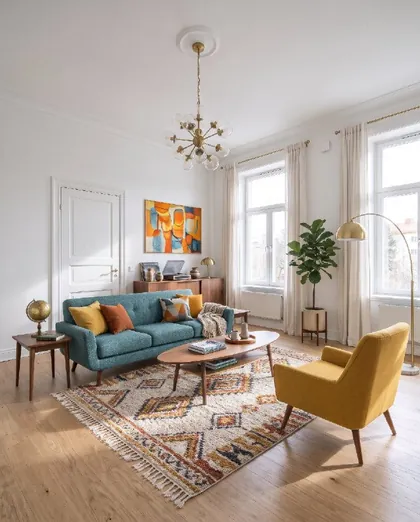
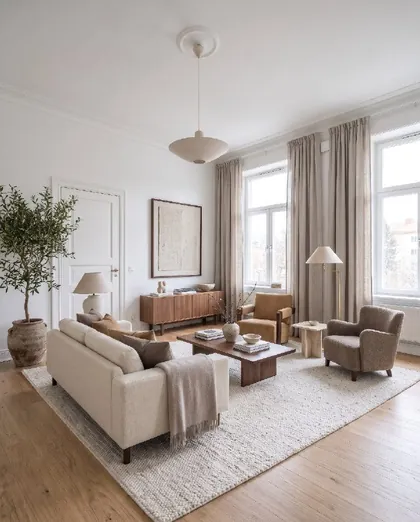
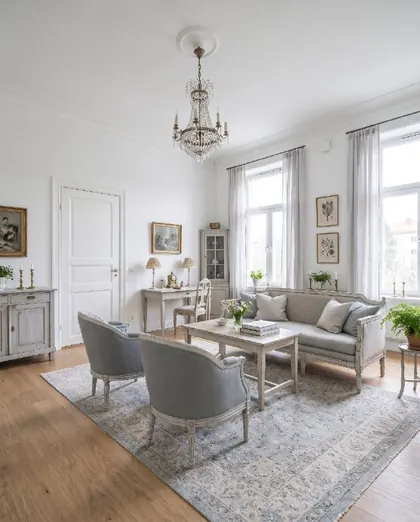
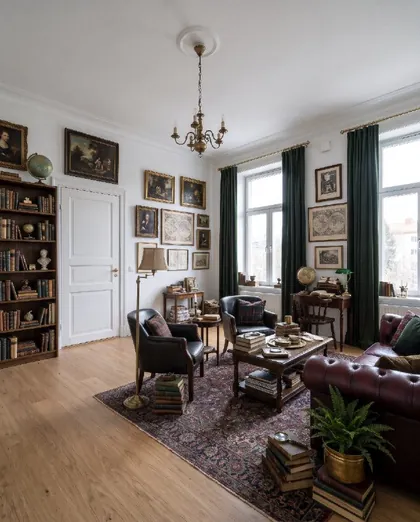
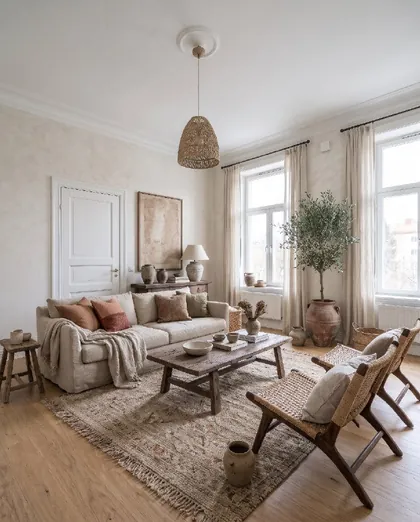
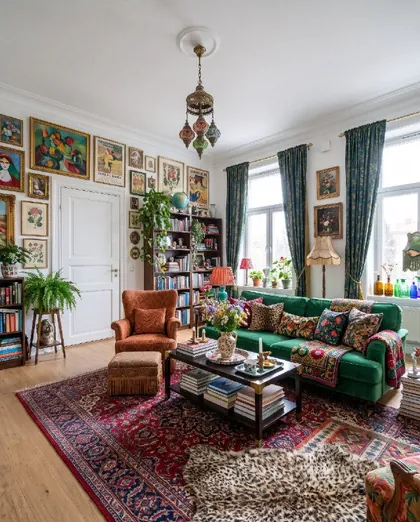
Living room design tips that always work
- Group the seating so people can face each other
- Float the sofa off the wall in a larger room
- Choose a rug big enough for the front legs of all seating
- Mix ceiling, floor and table lamps
- Hang curtains close to the ceiling and wider than the window
- Give the room one focal point – a fireplace, a view or a piece of art
Roomfixer uses these rules when it designs, and explains them in “What we did”.
Small changes, big difference
Not ready for new furniture? Try a new wall colour, a new floor in oak, herringbone, tiles or concrete, or a light styling where only textiles and decor change.
Or go all the way with a full redesign in a style you have never tried.
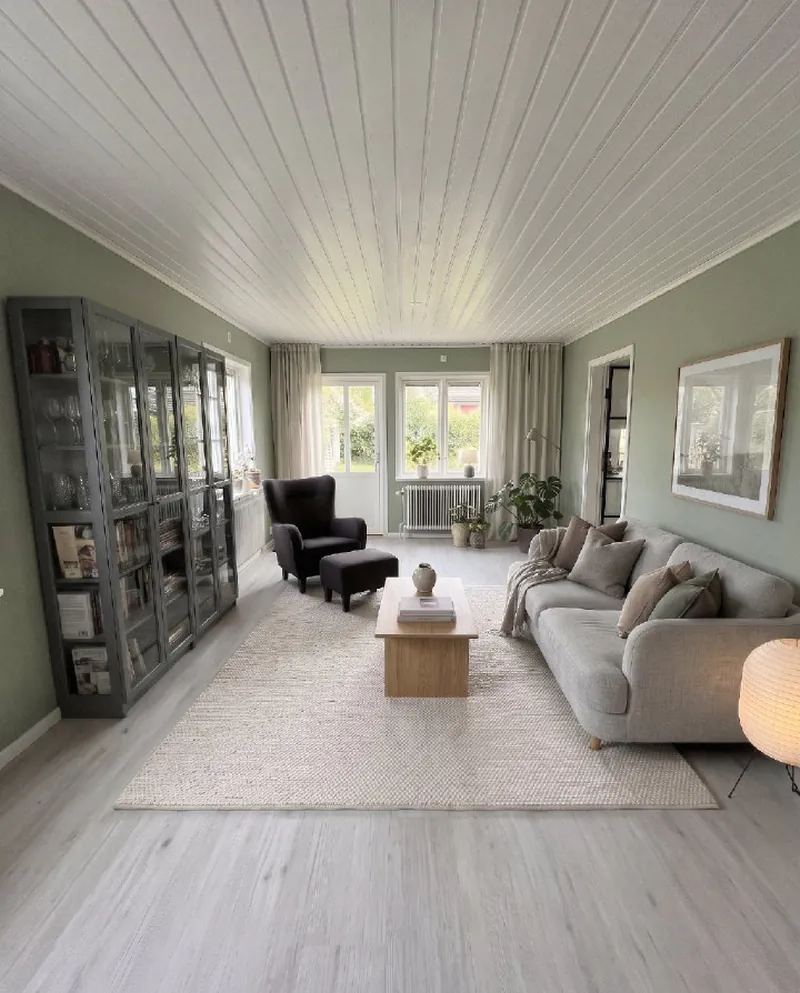
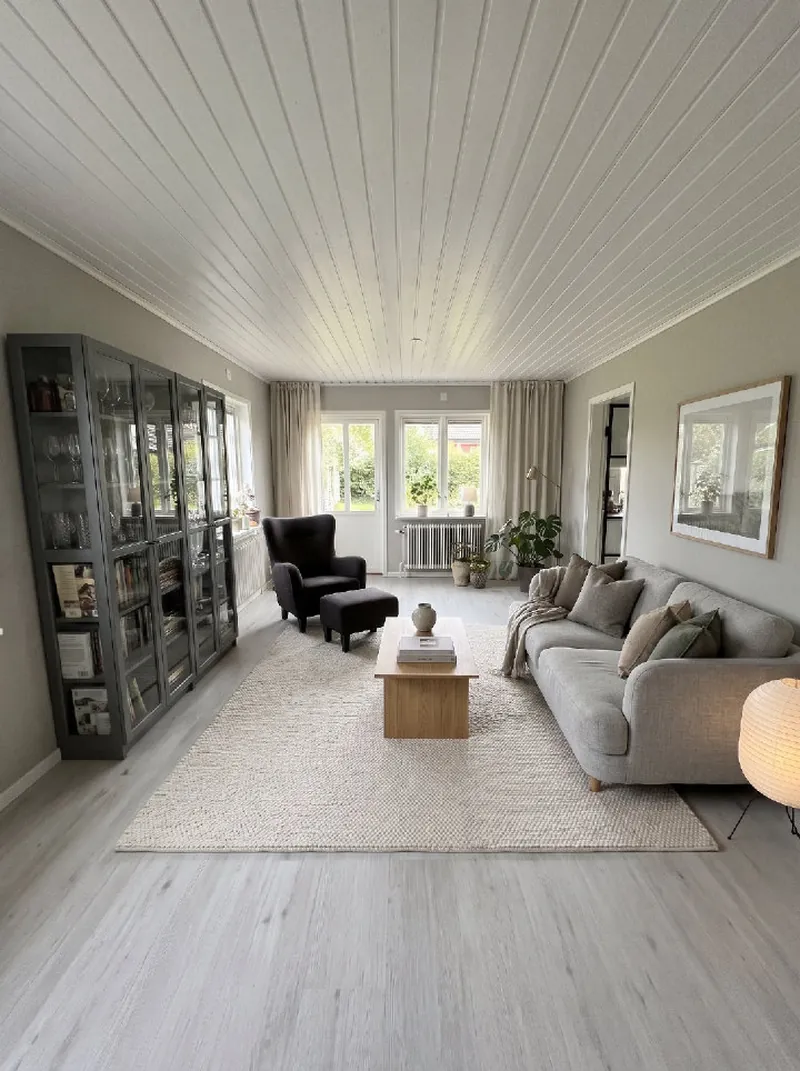
From photo to new room
No measuring, no floor plans. Your phone camera is enough.
Take a photo
Snap the room as it looks today, or pick a photo you already have. Empty, messy or fully furnished all work.
Choose what to do
A new style, design help, a new wall colour, a new floor, a piece of furniture to try, or a calmer room without the clutter.
See your room
Drag the slider to compare before and after, read the design tips, save your favourites and share them.
Questions and answers
Which interior styles are there?
There are 36 styles, including Scandinavian, Japandi, minimalist, mid-century modern, industrial, Boho, coastal, Art Deco, Swedish Gustavian, Hamptons, wabi-sabi, organic modern, quiet luxury and a Christmas style. See them all on the styles page.
What kind of photo works best?
A sharp photo in daylight, taken from a doorway or corner so you see as much of the room as possible. Hold the phone straight at chest height. Empty, furnished and messy rooms all work.
Will my walls and windows change?
No. Roomfixer is designed to keep the room itself: walls, windows, doors, the ceiling and built-ins stay where they are with the same shape. Depending on what you choose, furniture, decor, colours and surfaces change.
Is Roomfixer free?
You can try Roomfixer for free. To create more designs and use every feature, including trying your own furniture, you can subscribe to Roomfixer Plus weekly or yearly in the app. Prices are shown in the app before you buy.
Is the result exactly what my room will look like?
The pictures are made with AI and are meant as inspiration. Sizes, colours and details can differ from real life, so check measurements and samples before you buy or build.
What happens to my photos?
Your photos are used to create your designs and are stored so you can see them in the app. You can delete a room or your whole account in the app, and the photos go with it. Read more in our privacy policy.
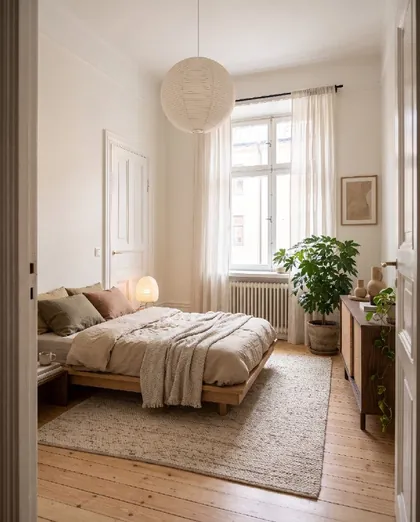
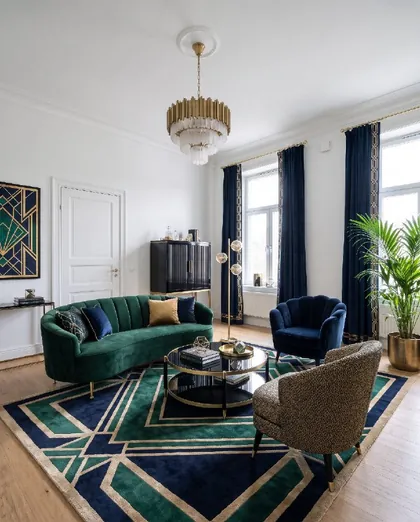
Your room is waiting for its new look
Download Roomfixer for iPhone, take a photo and see what your room can become. Free to try.
Download on theApp Store